Call of Duty®: Modern Warfare® 2 v1.2
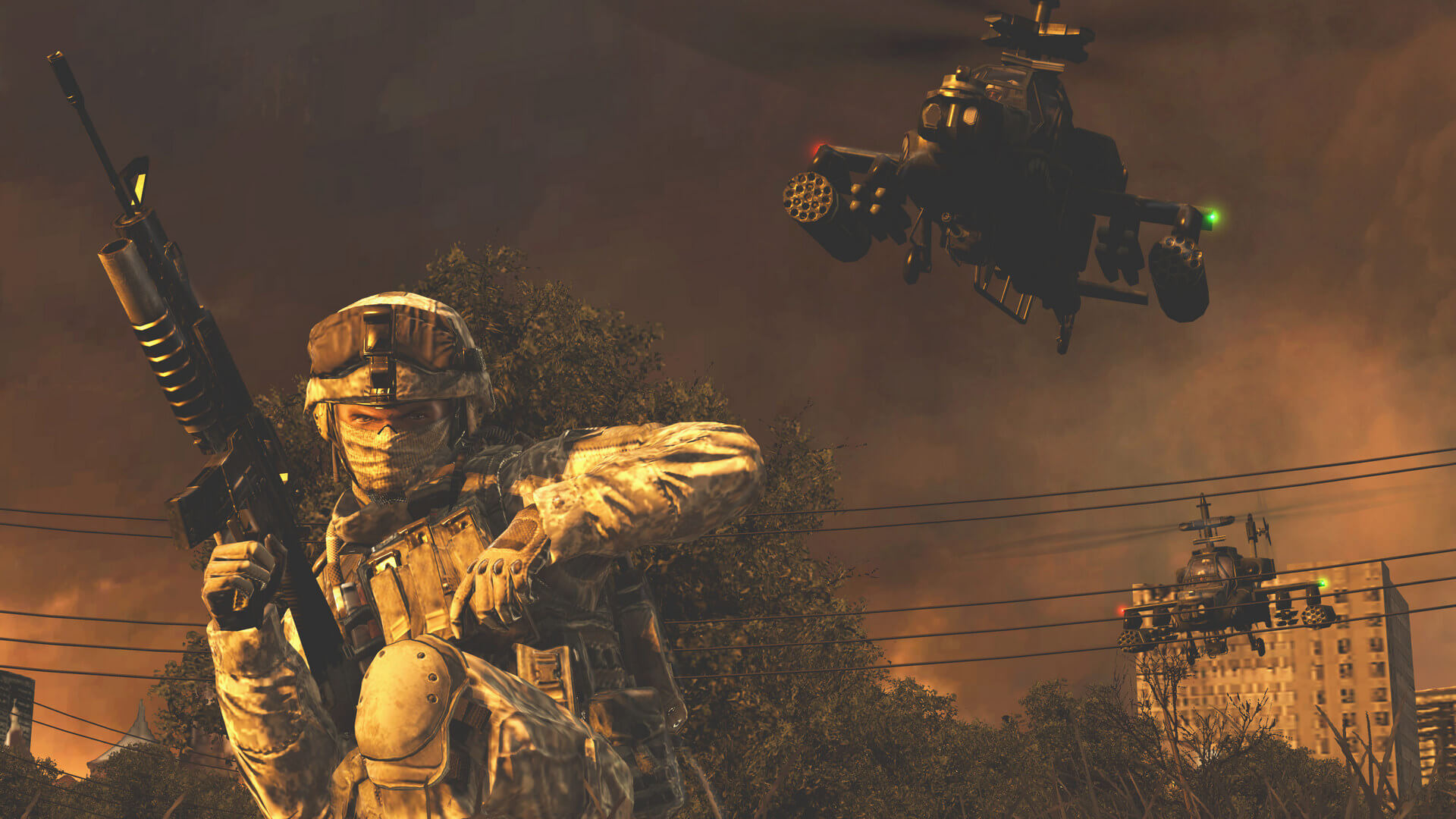


The most-anticipated game of the year and the sequel to the best-selling first-person action game of all time, Modern Warfare 2 continues the gripping and heart-racing action as players face off against a new threat dedicated to bringing the world to the brink of collapse.
Call of Duty®: Modern Warfare 2 features for the first time in video games, the musical soundtrack of legendary Academy Award®, Golden Globe® Award, Grammy® Award and Tony winning composer Hans Zimmer. The title picks up immediately following the historic events of Call of Duty® 4: Modern Warfare®, the blockbuster title that earned worldwide critical acclaim, including:
- "Most Played Online Video Game" in history, 2009 Guinness World Records
- More than 50 Game of the Year awards, including the Console Game of the Year and Overall Game of the Year, 2007, from the Academy of Interactive Arts & Sciences®
- An entirely new gameplay mode which supports 2-player co-operative play online that is unique from the single player story campaign.
- Special Ops pits players into a gauntlet of time-trial and objective-based missions.
- Rank-up as players unlock new Special Ops missions, each more difficult.
- Missions include highlights from the single player campaign, fan favorites from Call of Duty 4: Modern Warfare and all new, exclusive missions.
Frequently asked questions
How do I install the app?
Mount the image, drag the app into the "Applications" folder and launch it. If the system blocks the launch, allow it in "System Settings → Privacy & Security".
The app is damaged or won't launch
Reinstalling from a fresh image usually helps. Make sure your macOS version matches the one listed in the compatibility specs.
How do I update?
Download the new version from the site and install it over the current one — your settings will be preserved.
The download link doesn't work
Try a mirror or a download manager. For large files the browser often drops the connection.
How do I completely remove the app?
Use an uninstaller utility — it cleans up the service files that remain after moving the app to the trash.
VersionCall of Duty®: Modern Warfare® 2 v1.2.211
DeveloperInfinity Ward, Aspyr (Mac)
GenreAction
Release Date2009
CompatibilitymacOS 10.9.5 or later, 64-bit processor
LanguageMultilangual
IncludesPre-K'ed





Information
Visitors in the group Guests cannot leave comments on this publication.
Choose a download source
Call of Duty®: Modern Warfare® 2 v1.2 · 11.23 GB