
Navicat for SQL Server 17.1.9
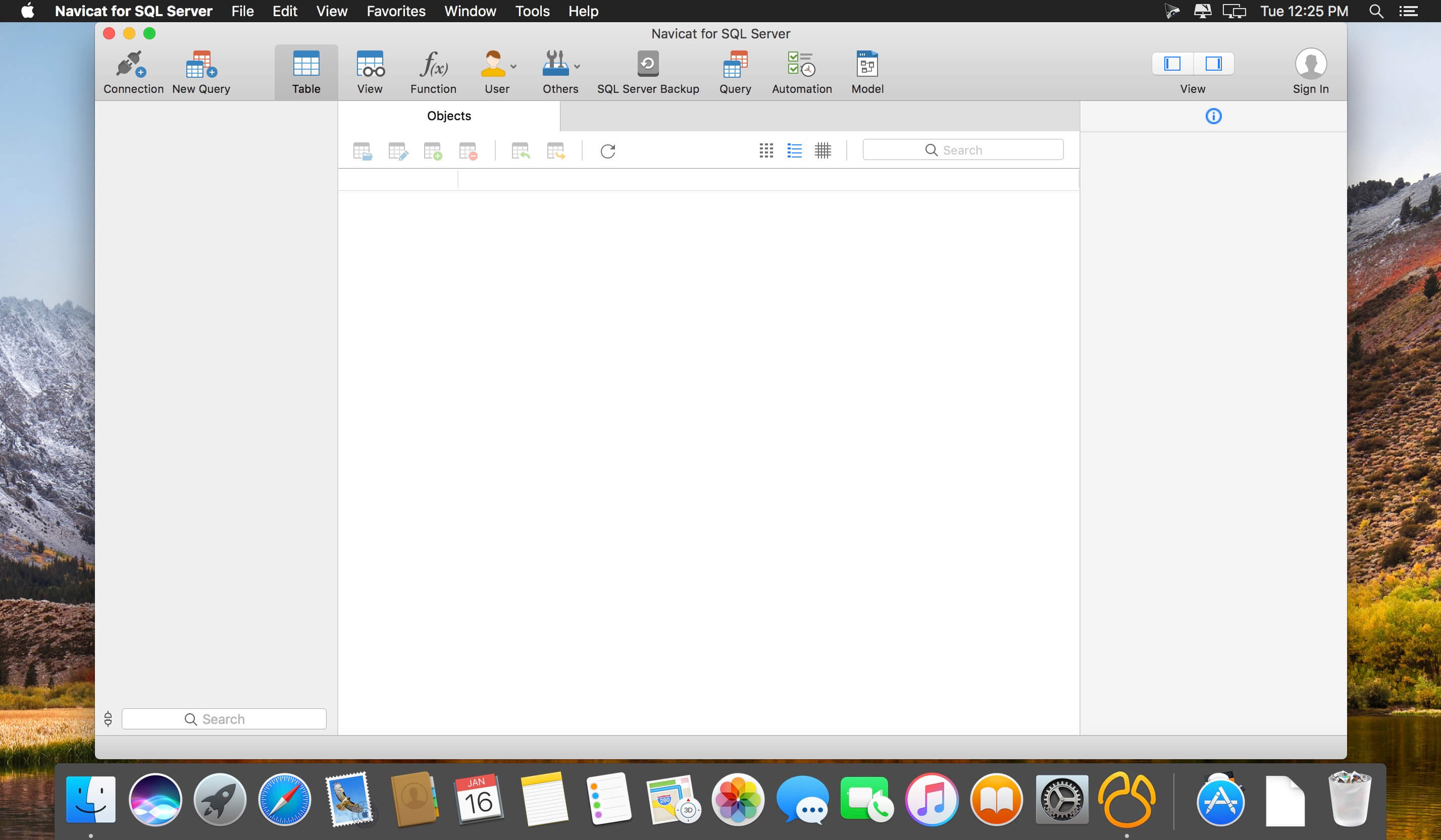
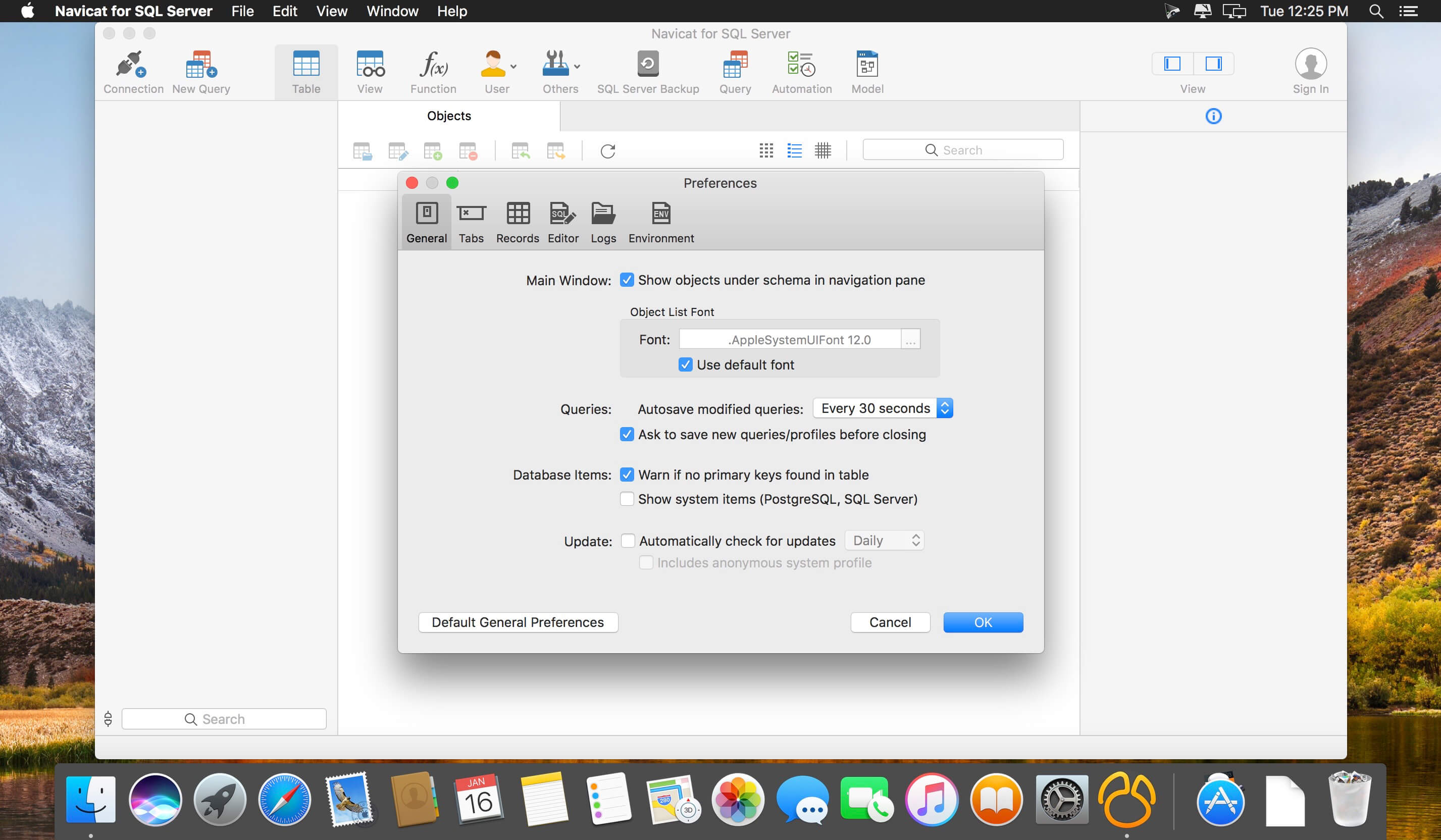
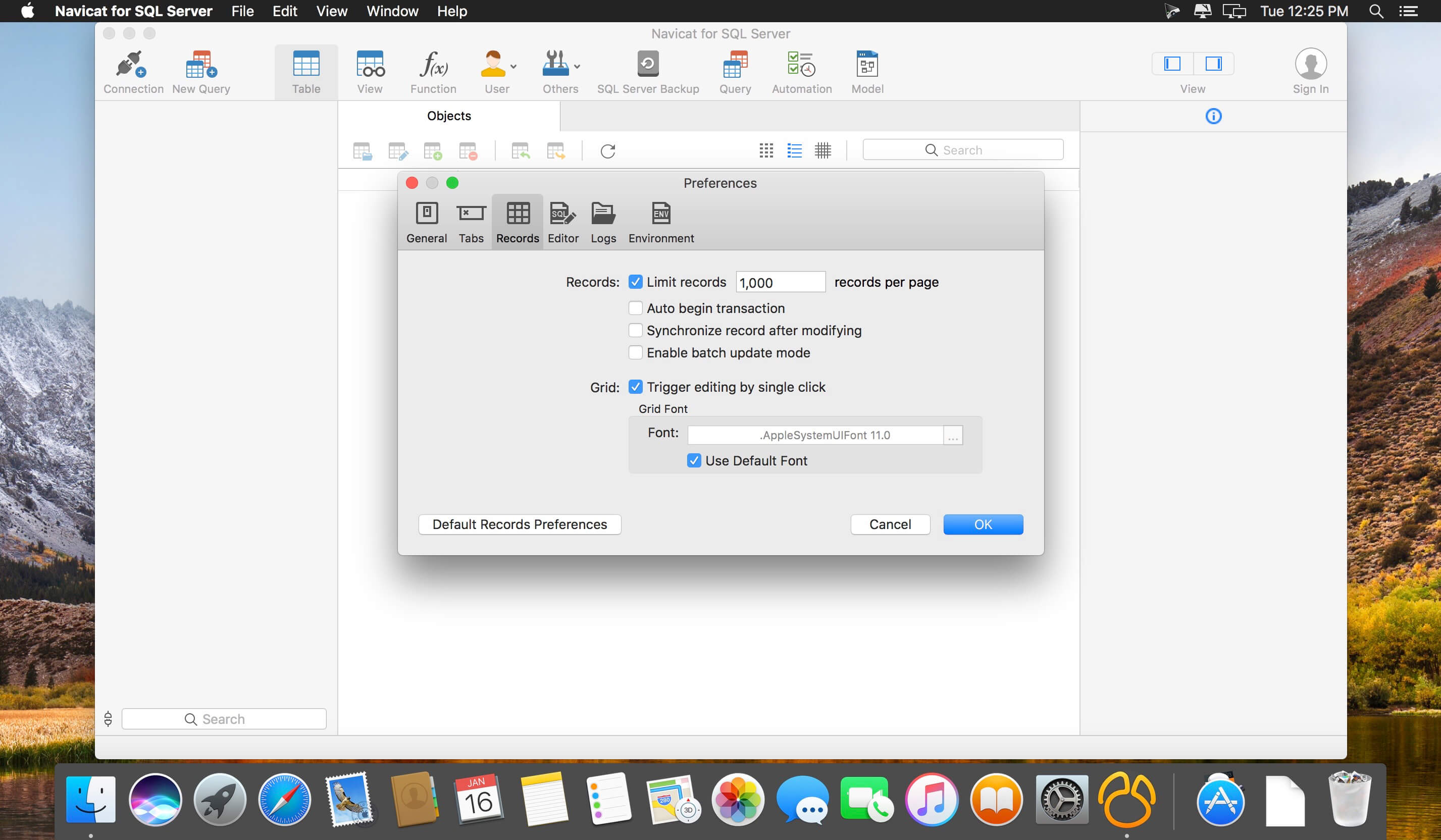
Navicat for SQL Server is an ideal solution for SQL Server administration and development which lets you create, edit databases, run SQL queries and connect to remote SQL Server in an easier way. It features an intuitive GUI and offers powerful visual tools such as Query Editor with syntax highlight capability, SQL Preview, SQL Console, TEXT, Hex and BLOB viewer/editor, SSH Tunnel and more, to increase your productivity.
Also, Navicat provides a number of tools allowing to perform all the necessary database operations such as creating, editing, and duplicating database objects. It also offers a well-described wizard system that simplifies your database development tasks and a full featured graphical manager for setting the users and access privileges.
It runs on Windows and macOS with remote connection capability. Navicat is also available for MySQL, Oracle, SQLite and PostgreSQL.
Easy installation and intuitive interface make it an irreplaceable tool for SQL Server on the Web or your local desktop.
Navicat full version includes more powerful features such as Data modeling, Data/Structure Synchronization, Import/Export, Backup, Report, task scheduling, code completion, etc. Together with comprehensive and instant support services, Navicat for SQL Server makes database and application development faster and easier while simplifying day-to-day administration tasks.
Version 17.1.9 :
- Bug fixes and improvements
Frequently asked questions
How do I install the app?
Mount the image, drag the app into the "Applications" folder and launch it. If the system blocks the launch, allow it in "System Settings → Privacy & Security".
The app is damaged or won't launch
Reinstalling from a fresh image usually helps. Make sure your macOS version matches the one listed in the compatibility specs.
How do I update?
Download the new version from the site and install it over the current one — your settings will be preserved.
The download link doesn't work
Try a mirror or a download manager. For large files the browser often drops the connection.
How do I completely remove the app?
Use an uninstaller utility — it cleans up the service files that remain after moving the app to the trash.





Choose a download source
Navicat for SQL Server 17.1.9 · 230.56 MB
Previous versions
Navicat for SQL Server 17.1.9
Previous versions are available to registered users.