
Calming Circles 2 v1
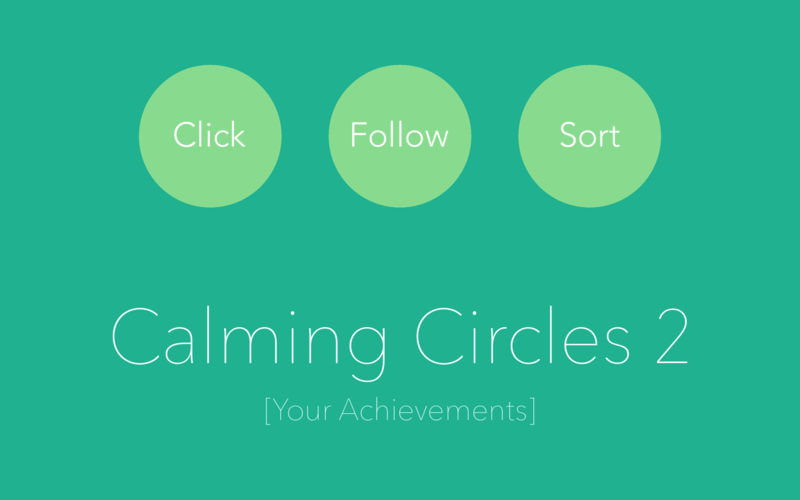
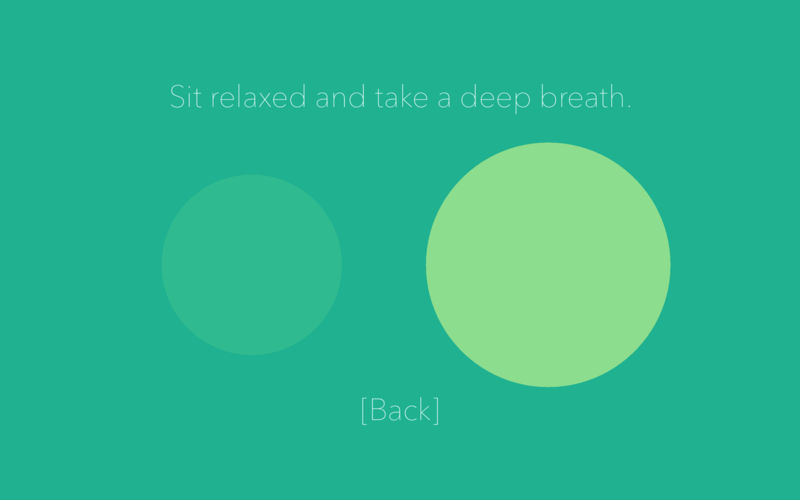
Calming Circles 2 helps you to practice mindfulness on your Mac - wherever you are, whenever you have the time.
Three intuitive calming routines combine the best of active mediation practices and focused mindfulness.
All routines come with wonderful background sound and the obligatory singing bowl to bring you back and focus when thoughts take over.
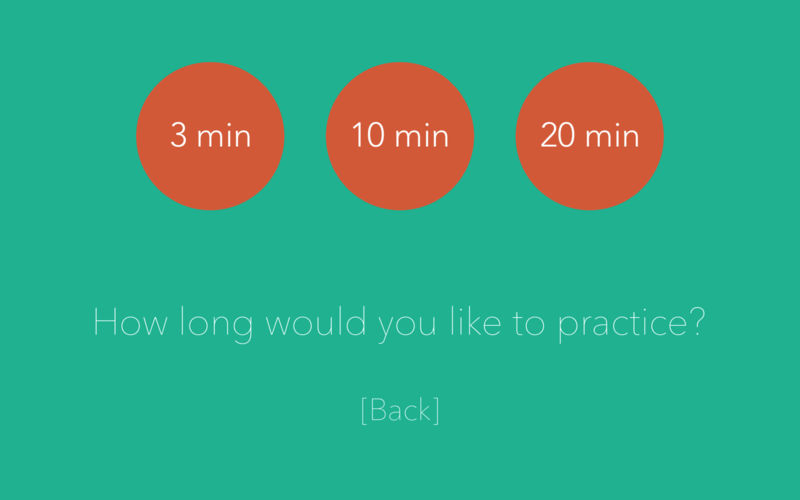
Get the first routine for free and practice 3, 10 or even 20 minutes - whatever suits you best. Simply leverage the time you have, whenever you like.
This app combines simple beauty with powerful features. If you are into tracking your progress, Calming Circles 2 gives you all your achievements with one click.
Frequently asked questions
How do I install the app?
Mount the image, drag the app into the "Applications" folder and launch it. If the system blocks the launch, allow it in "System Settings → Privacy & Security".
The app is damaged or won't launch
Reinstalling from a fresh image usually helps. Make sure your macOS version matches the one listed in the compatibility specs.
How do I update?
Download the new version from the site and install it over the current one — your settings will be preserved.
The download link doesn't work
Try a mirror or a download manager. For large files the browser often drops the connection.
How do I completely remove the app?
Use an uninstaller utility — it cleans up the service files that remain after moving the app to the trash.
VersionCalming Circles 2 v1
DeveloperPengsquare UG
CompatibilityOS X 10.10 or later, 64-bit processor
LanguageEnglish, French, German, Korean, Russian, Simplified Chinese, Spanish
IncludesK'ed by TNT





Information
Visitors in the group Guests cannot leave comments on this publication.
Choose a download source
Calming Circles 2 v1 · 23.4 MB