
MathWorks MATLAB R2018b v9.5.0
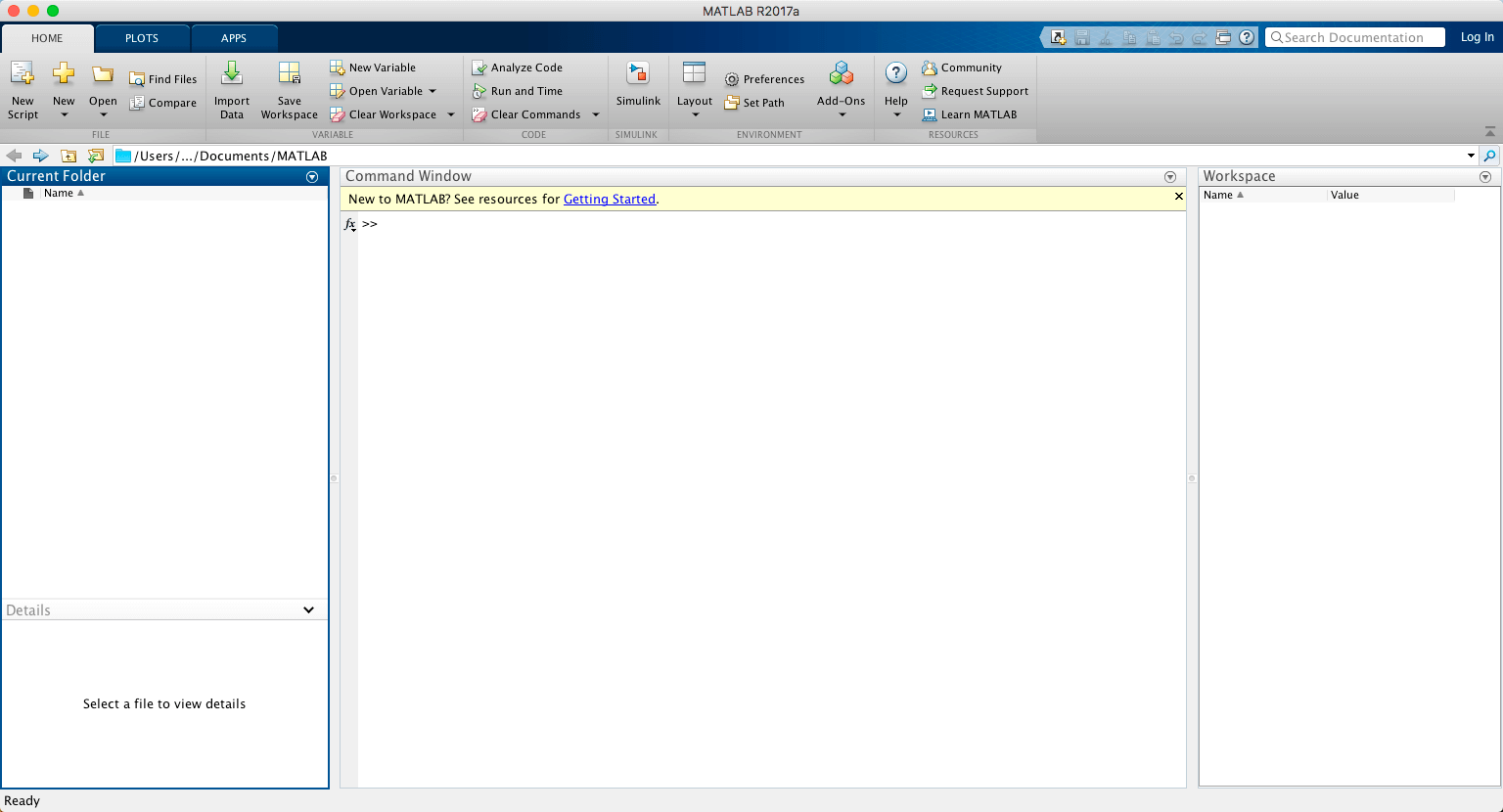
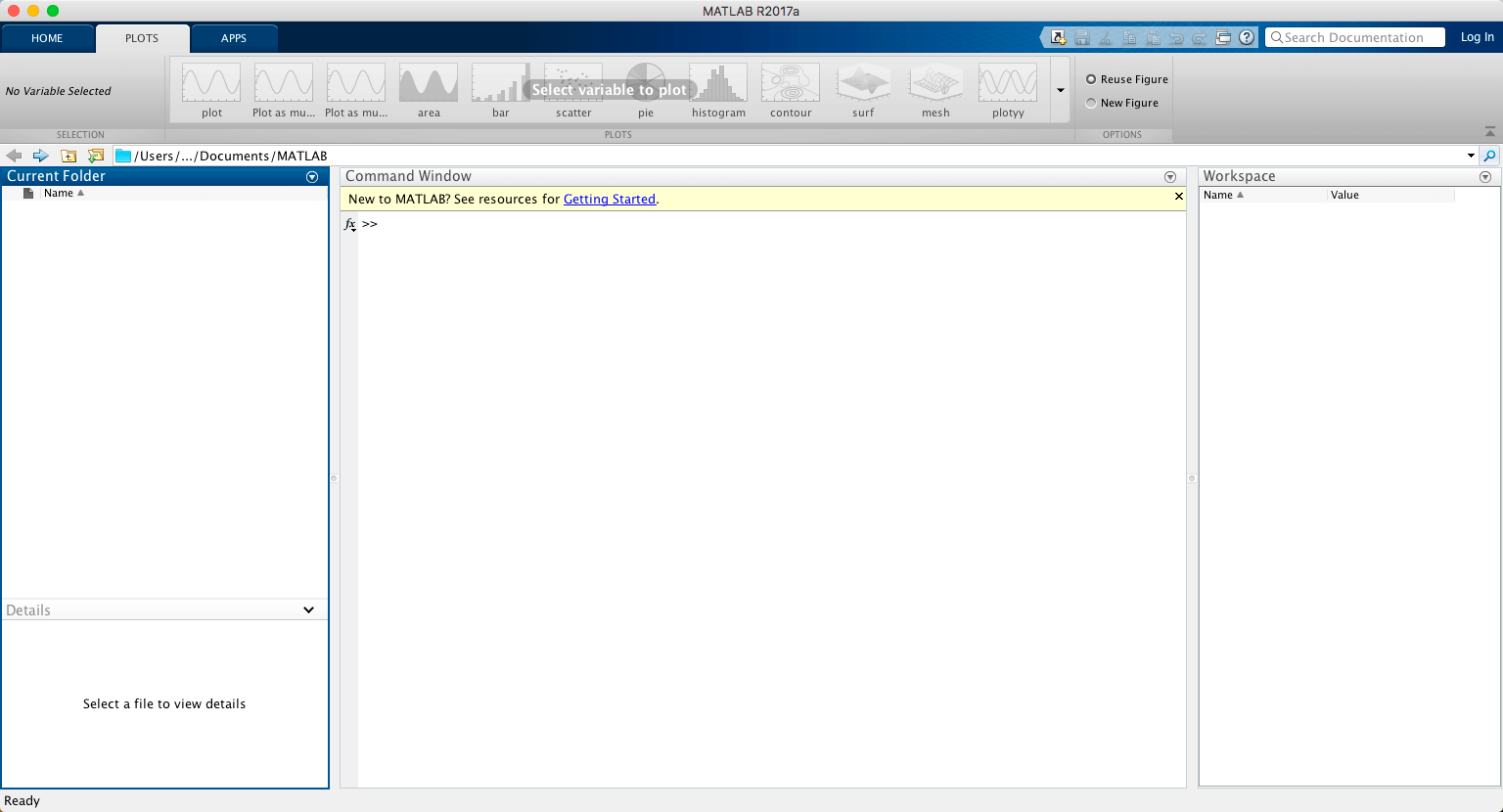
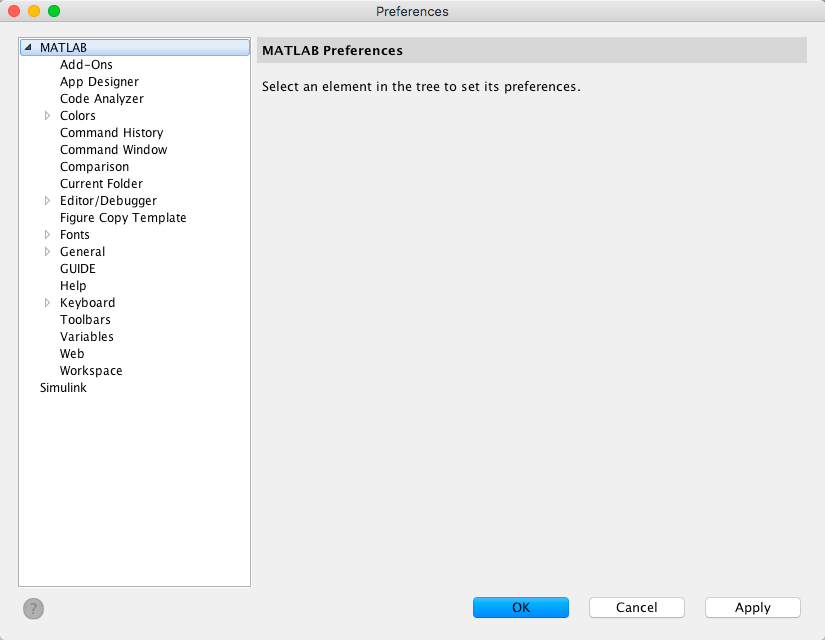
Math. Graphics. Programming.
The MATLAB platform is optimized for solving engineering and scientific problems. The matrix-based MATLAB language is the world’s most natural way to express computational mathematics. Built-in graphics make it easy to visualize and gain insights from data. A vast library of prebuilt toolboxes lets you get started right away with algorithms essential to your domain. The desktop environment invites experimentation, exploration, and discovery. These MATLAB tools and capabilities are all rigorously tested and designed to work together.
Scale. Integrate. Deploy.
MATLAB helps you take your ideas beyond the desktop. You can run your analyses on larger data sets and scale up to clusters and clouds. MATLAB code can be integrated with other languages, enabling you to deploy algorithms and applications within web, enterprise, and production systems.
Version R2018b (Version 9.5):

Frequently asked questions
How do I install the app?
Mount the image, drag the app into the "Applications" folder and launch it. If the system blocks the launch, allow it in "System Settings → Privacy & Security".
The app is damaged or won't launch
Reinstalling from a fresh image usually helps. Make sure your macOS version matches the one listed in the compatibility specs.
How do I update?
Download the new version from the site and install it over the current one — your settings will be preserved.
The download link doesn't work
Try a mirror or a download manager. For large files the browser often drops the connection.
How do I completely remove the app?
Use an uninstaller utility — it cleans up the service files that remain after moving the app to the trash.
VersionMathWorks MATLAB R2018b v9.5.0
DeveloperMathworks
CompatibilitymacOS 10.10 or later, 64-bit processor
LanguageEnglish
IncludesK





Choose a download source
MathWorks MATLAB R2018b v9.5.0 · 11.07 GB
Previous versions
MathWorks MATLAB R2018b v9.5.0
Previous versions are available to registered users.
Comments 1