
PDF Attribute Editor 1.1
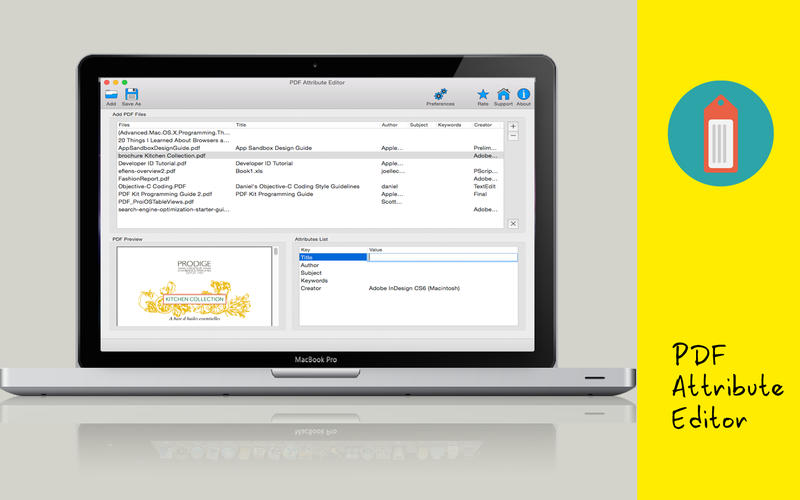
PDF Attribute Editor is a powerful tool to edit your PDF Attribute files easily in batches. It offers you possibility to quickly add, edit, and remove properties effortlessly. This software is meant for all users, novice or advanced. It is very easy to be used.
This simple and handy software makes it convenient for you to edit the attributions of PDF files in a few minutes. PDF Attribute Editor allows you to modify the properties of PDF files in batches to save lots of efforts. You can simply drag & drop PDF files on the table to begin editing immediately.
Main features:
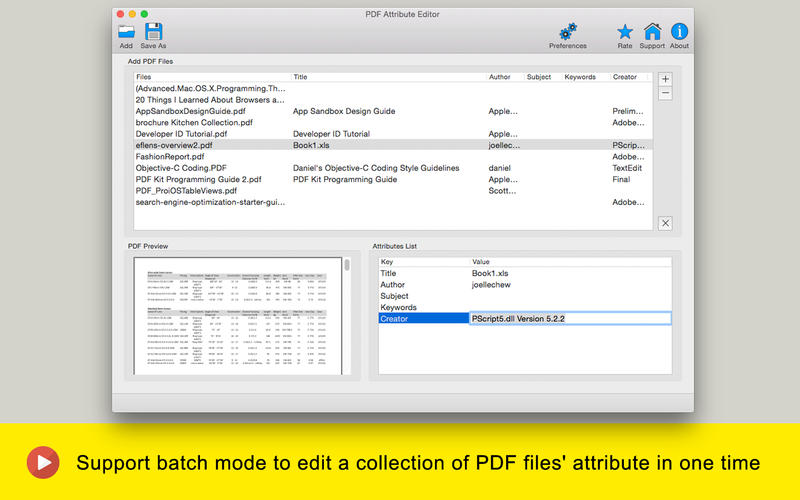
- Support batch mode to edit a collection of PDF files' attribute in one time. It can save you quite a bit of time by changing the properties of PDF files in batches instead of one by one.
- Edit PDF Title, PDF Author, PDF Subject, PDF Creator and PDF Keywords.
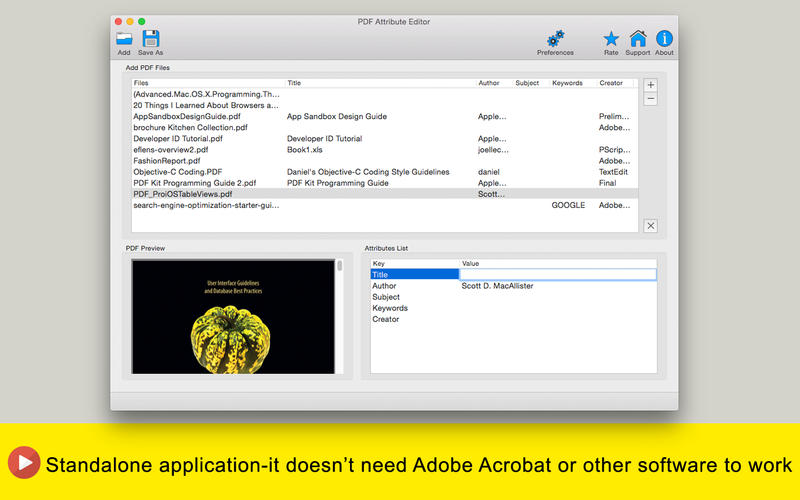
- Standalone application-it doesn’t need Adobe Acrobat or other software to work.
- Extremely fast and easy-to-use.
WHAT’S NEW
Version 1.1
- change UI to enable batch editing
SCREENSHOTS
Frequently asked questions
How do I install the app?
Mount the image, drag the app into the "Applications" folder and launch it. If the system blocks the launch, allow it in "System Settings → Privacy & Security".
The app is damaged or won't launch
Reinstalling from a fresh image usually helps. Make sure your macOS version matches the one listed in the compatibility specs.
How do I update?
Download the new version from the site and install it over the current one — your settings will be preserved.
The download link doesn't work
Try a mirror or a download manager. For large files the browser often drops the connection.
How do I completely remove the app?
Use an uninstaller utility — it cleans up the service files that remain after moving the app to the trash.
VersionPDF Attribute Editor 1.1
DeveloperFangcheng Yin © 2017 CokeSoft
CompatibilityOS X 10.6 or later, 64-bit processor
LanguageEnglish
IncludesPre-K'ed



Information
Visitors in the group Guests cannot leave comments on this publication.
Choose a download source
PDF Attribute Editor 1.1 · 4.27 MB