Man O' War: Corsair - Warhammer Naval Battles (2017)
Man O' War: Corsair.
Engage in epic naval combat and explore the oceans of the Warhammer world.
Man O' War: Corsair is a video game of high adventure, naval combat and exploration based on the Games Workshop classic Man O' War table top game.
Your Quest
Sail the seas plundering enemy ships, visiting ports, and trading. Dominate everything in your path with a fleet of ships at your back and watch people flee at the mere sight of you, leaving legends of your deeds in the history books and steel through the hearts of your enemies.
Explore and Fight
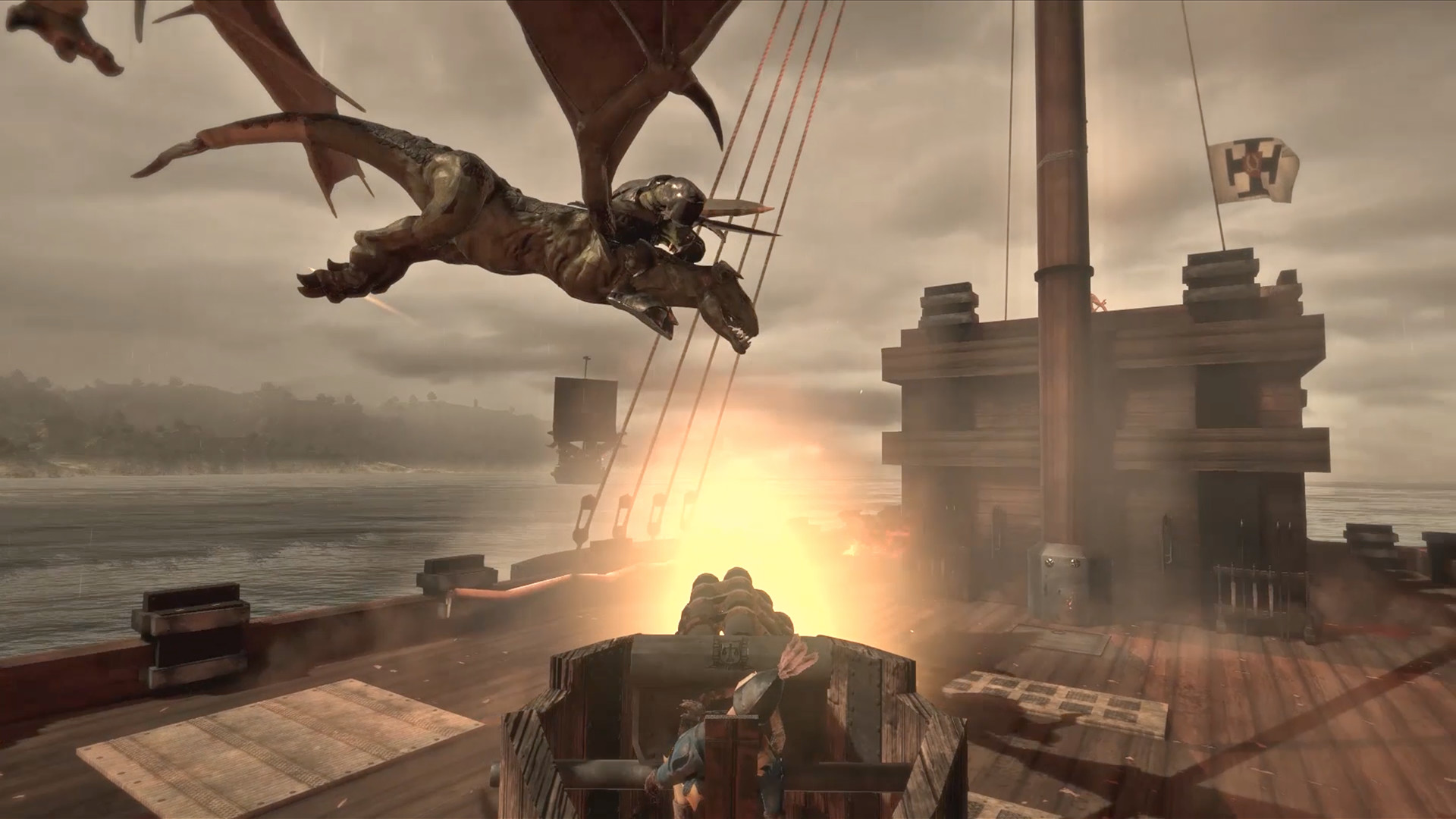
Captain a wide variety of unique sailing vessels, explore and trade whilst combating enemy ships in frantic naval action.
Boarding Actions
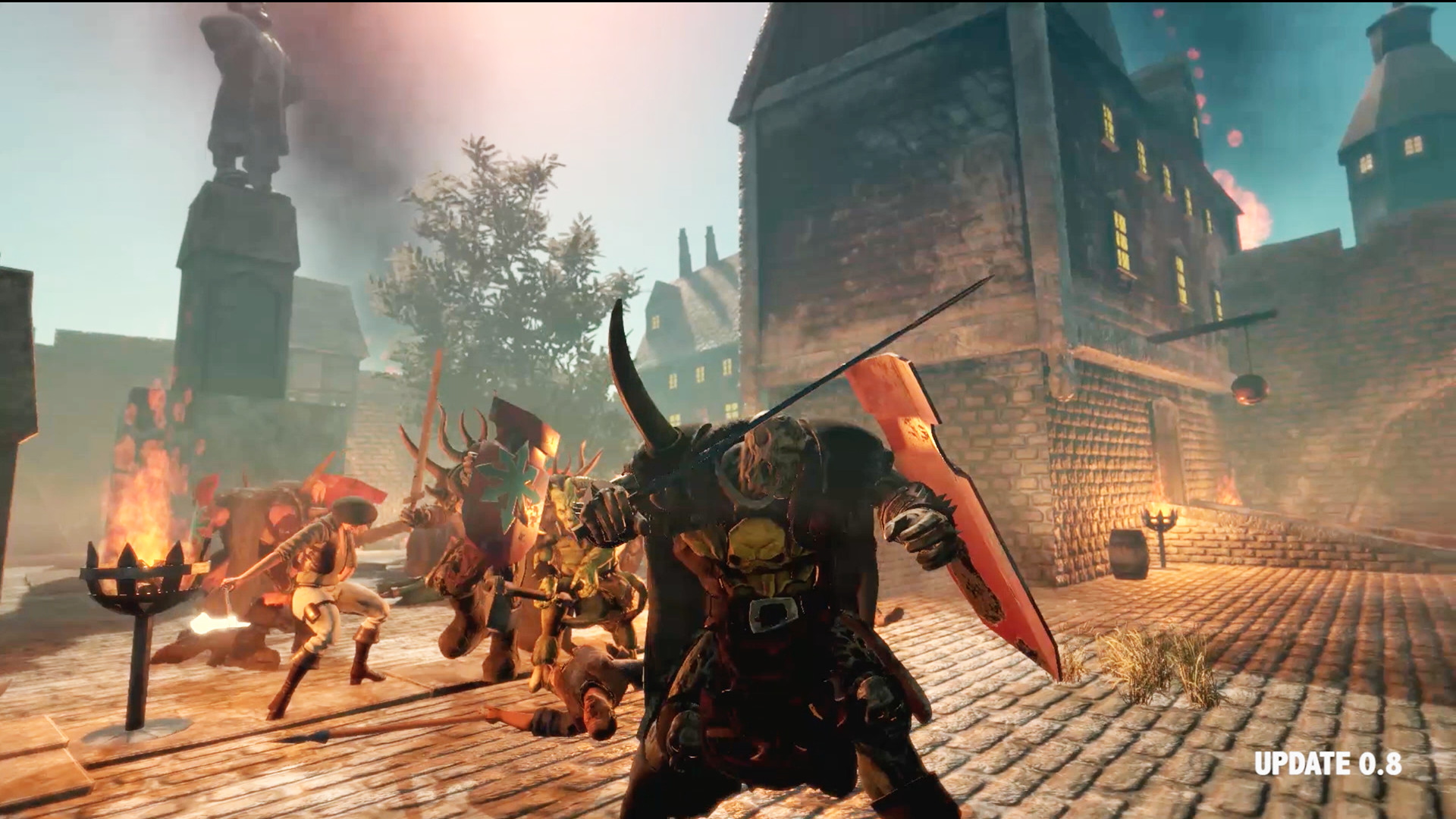
As well as sea battles, engaging in boarding actions with enemy vessels sees you walking the deck, weapon in hand, attacking enemy crew. Loot the vessels or sink them, the choice is yours.
Enemies and Allies
Buy a variety of unique and deadly ships. Command allies from different races and fight many deadly enemies. Fierce storms, deadly fleets and terrible foes will block your path to ultimate glory.
Custom Battles
Build your own fleet from any faction in game, and battle it against any foe you choose.
The Old World
A captain in Man O' War: Corsair can sail the coast of a huge continent in the Warhammer world. Visiting over 50 ports from Erengrad to Sartosa, the sea is yours to explore.
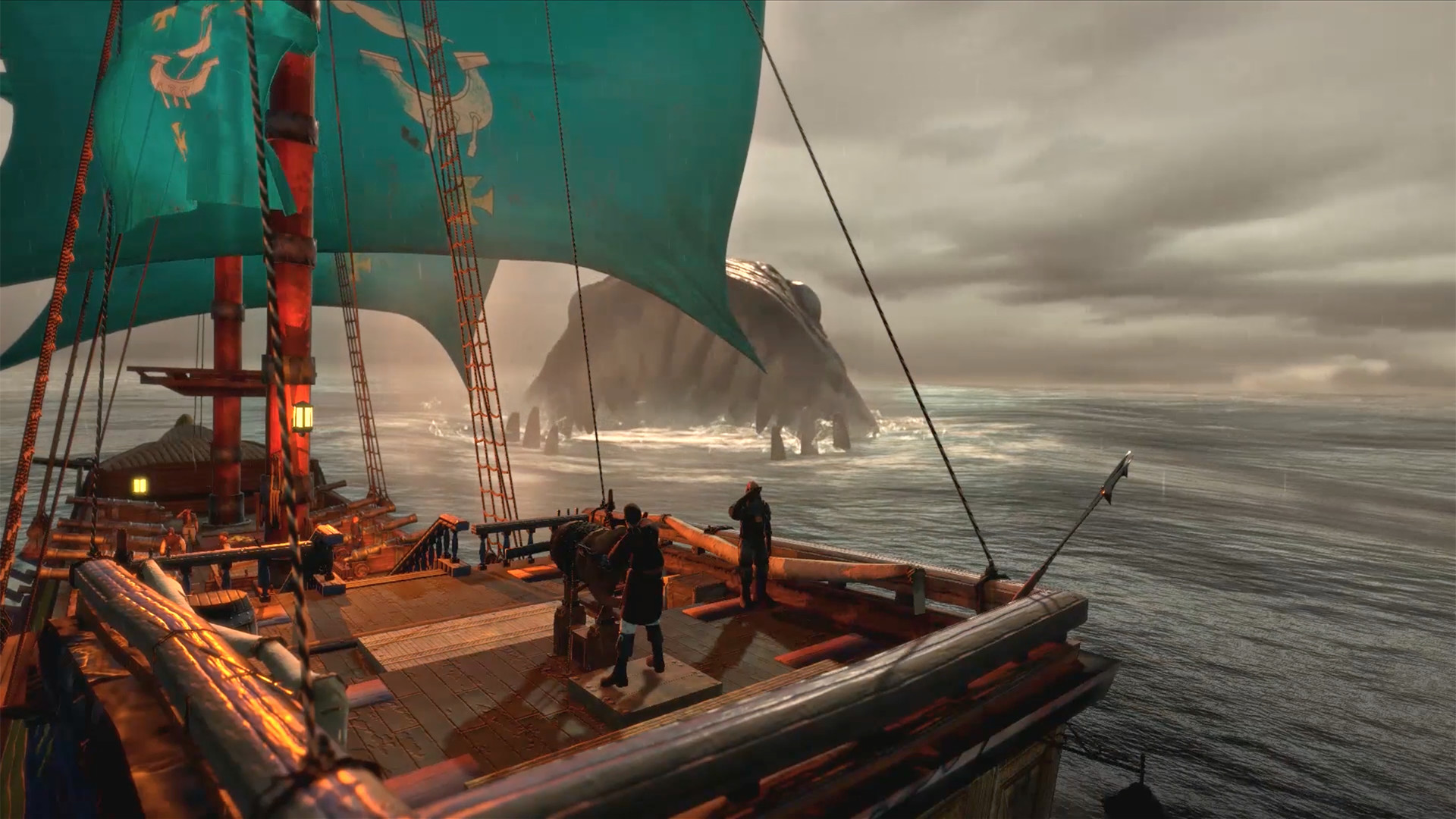
A heroic adventurer does not only have enemy ships to contend with. The deep and unexplored oceans hold terrifying creatures that few see and live to tell the tale.
These deadly creatures emerging from the deep sea will chill blood and drop jaws in equal measure. The wise would attempt to flee but those brave enough to tackle such creatures will be famed throughout the world.
Here there be monsters....
SCREENSHOTS
Frequently asked questions
How do I install the app?
Mount the image, drag the app into the "Applications" folder and launch it. If the system blocks the launch, allow it in "System Settings → Privacy & Security".
The app is damaged or won't launch
Reinstalling from a fresh image usually helps. Make sure your macOS version matches the one listed in the compatibility specs.
How do I update?
Download the new version from the site and install it over the current one — your settings will be preserved.
The download link doesn't work
Try a mirror or a download manager. For large files the browser often drops the connection.
How do I completely remove the app?
Use an uninstaller utility — it cleans up the service files that remain after moving the app to the trash.
VersionMan O' War: Corsair - Warhammer Naval Battles
DeveloperEvil Twin Artworks
GenreAction, Adventure, Indie, RPG, Strategy
Release Date19 Apr, 2017
CompatibilityOSX 10.9 +
LanguageMultilangual
IncludesPre-K'ed
Information
Visitors in the group Guests cannot leave comments on this publication.
Choose a download source
Man O' War: Corsair - Warhammer Naval Battles (2017) · 10.65 GB