
Viscera Cleanup Detail (2015)
Disaster! An alien invasion and subsequent infestation have decimated this facility. Many lives were lost, the facility was ruined and the aliens were unstoppable. All hope was lost until one survivor found the courage to fight back and put the aliens in their place! It was a long and horrific battle as the survivor dueled with all manner of terrifying life-forms and alien mutations, but our hero won out in the end and destroyed the alien menace! Humanity was saved!
Unfortunately, the alien infestation and the heroic efforts of the courageous survivors have left rather a mess throughout the facility. As the janitor, it is your duty to get this place cleaned up.
So grab your mop and roll up your sleeves, this is gonna be one messy job.
Today, you're on Viscera Cleanup Detail!
Key Features
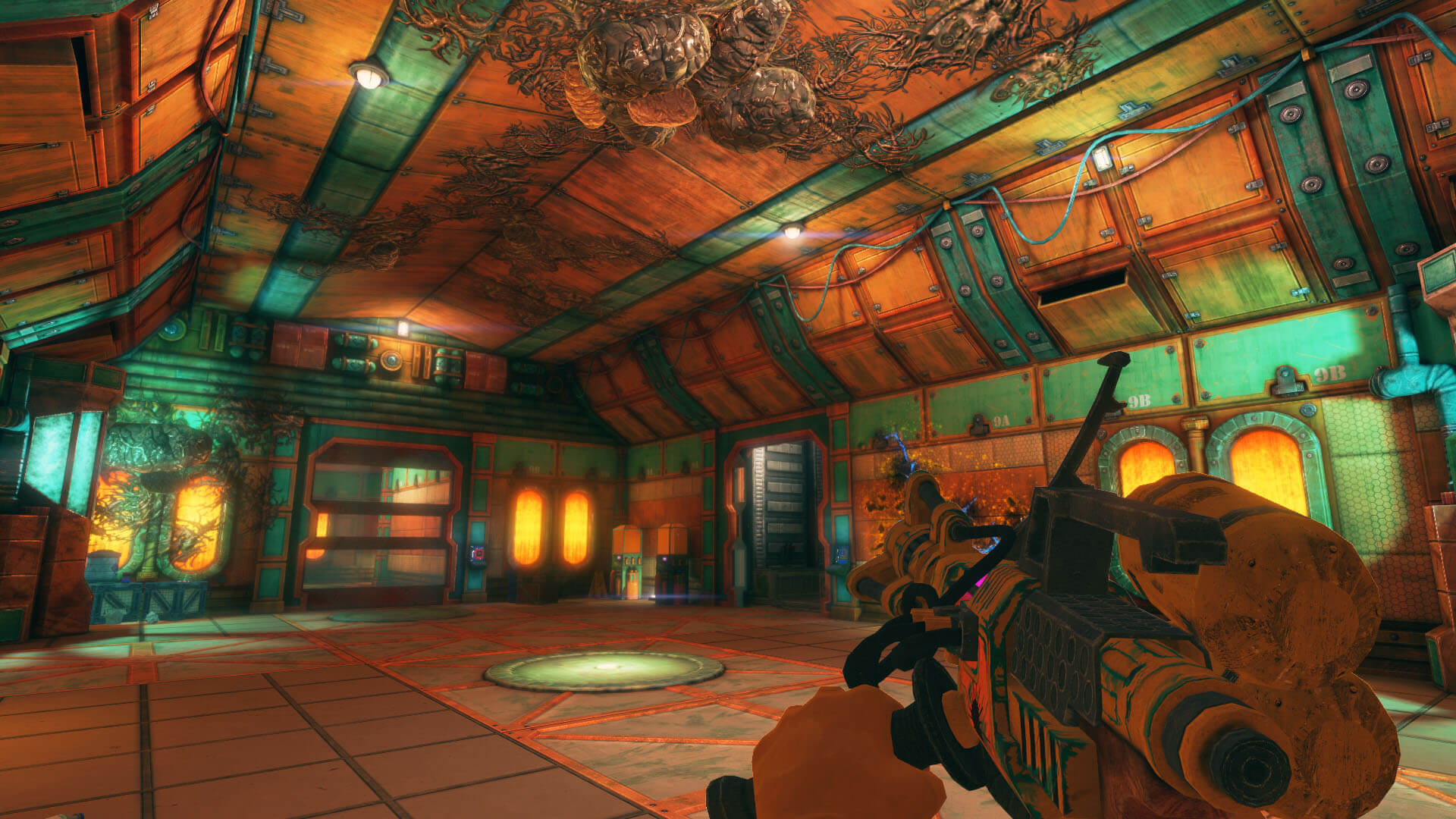
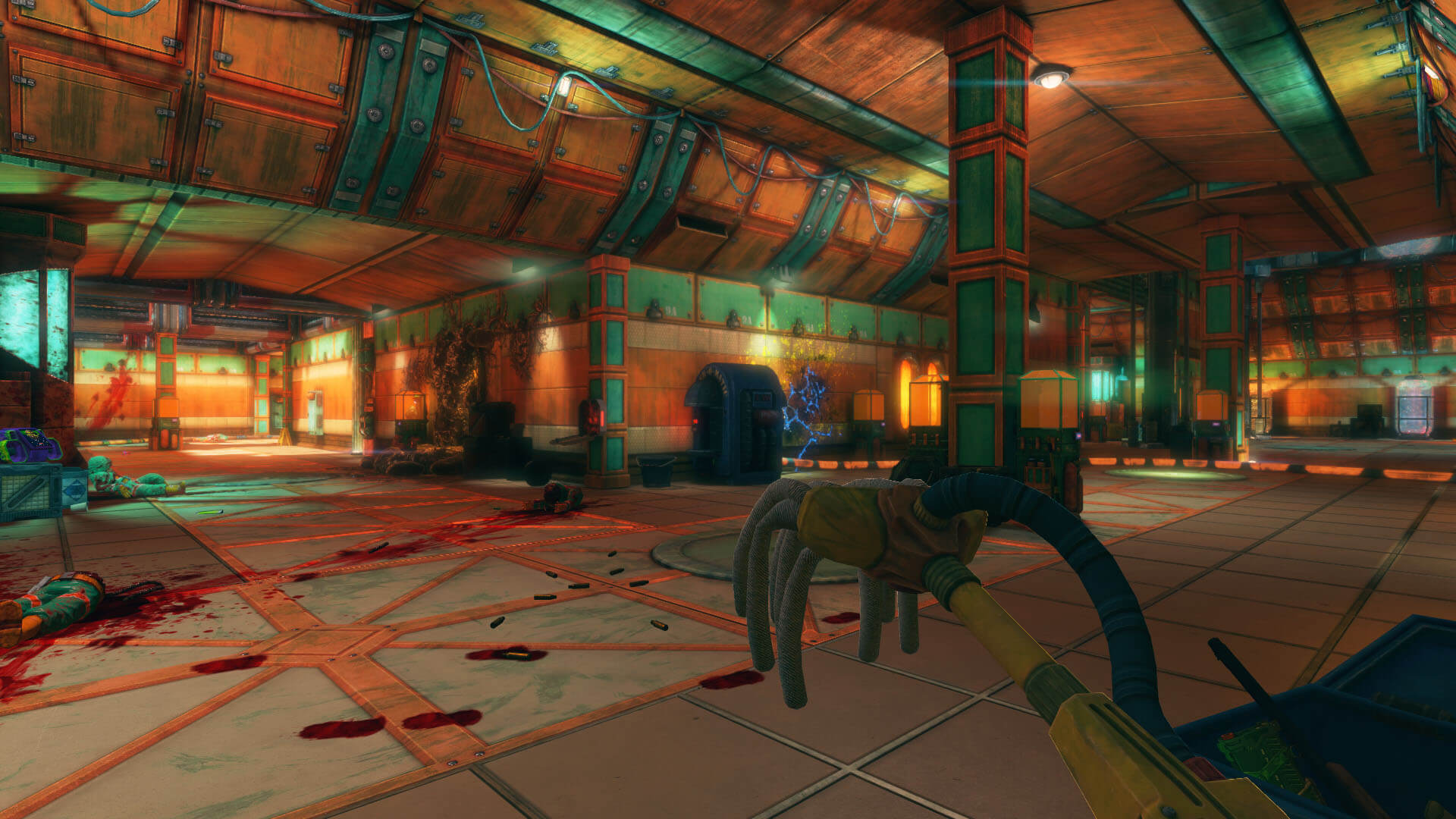
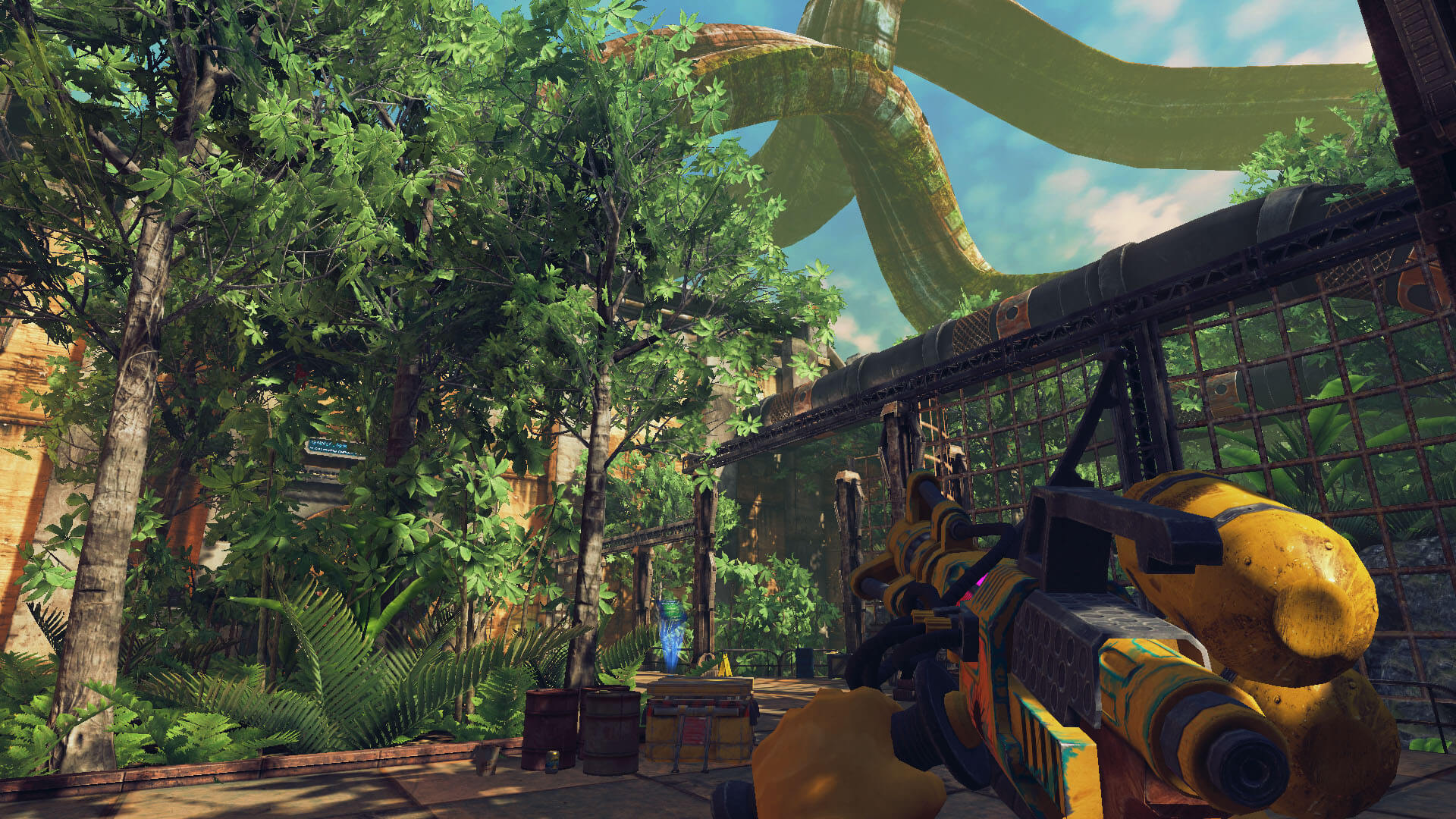
- Janitorial Simulation - Step into the boots of a space-station sanitation technician and deal with the horrific aftermath of a sci-fi horror event. Blood, viscera, spent cartridges, worker bodies and other messes litter the facilities.
- Clean - It's your job to clean up the mess, so clean it up you shall! Use your trusty mop, gloves, dispenser machines, plasma laser and sniffer tool to help you get all that blood out of the floor and off the ceiling! You can even try and punch-out if you think you've done your job.
- Sandbox Gameplay - Don't want to clean? Just want to make more of a mess and play around with the physics? Go ahead! You can save your game as well; that's kind of us!
- Multiplayer - You can even enlist some friends/coworkers to come and help you clean up (or make even more mess). Split-screen co-op is available too!
SCREENSHOTS
Frequently asked questions
How do I install the app?
Mount the image, drag the app into the "Applications" folder and launch it. If the system blocks the launch, allow it in "System Settings → Privacy & Security".
The app is damaged or won't launch
Reinstalling from a fresh image usually helps. Make sure your macOS version matches the one listed in the compatibility specs.
How do I update?
Download the new version from the site and install it over the current one — your settings will be preserved.
The download link doesn't work
Try a mirror or a download manager. For large files the browser often drops the connection.
How do I completely remove the app?
Use an uninstaller utility — it cleans up the service files that remain after moving the app to the trash.
VersionViscera Cleanup Detail (2015)
DeveloperRuneStorm
GenreIndie, Simulation
Release Date23 Oct, 2015
CompatibilityOS X 10.8 +
LanguageEnglish
IncludesPre-K'ed





Information
Visitors in the group Guests cannot leave comments on this publication.
Choose a download source
Viscera Cleanup Detail (2015) · 1.87 GB