
White Night v.1.0
OSome Studio
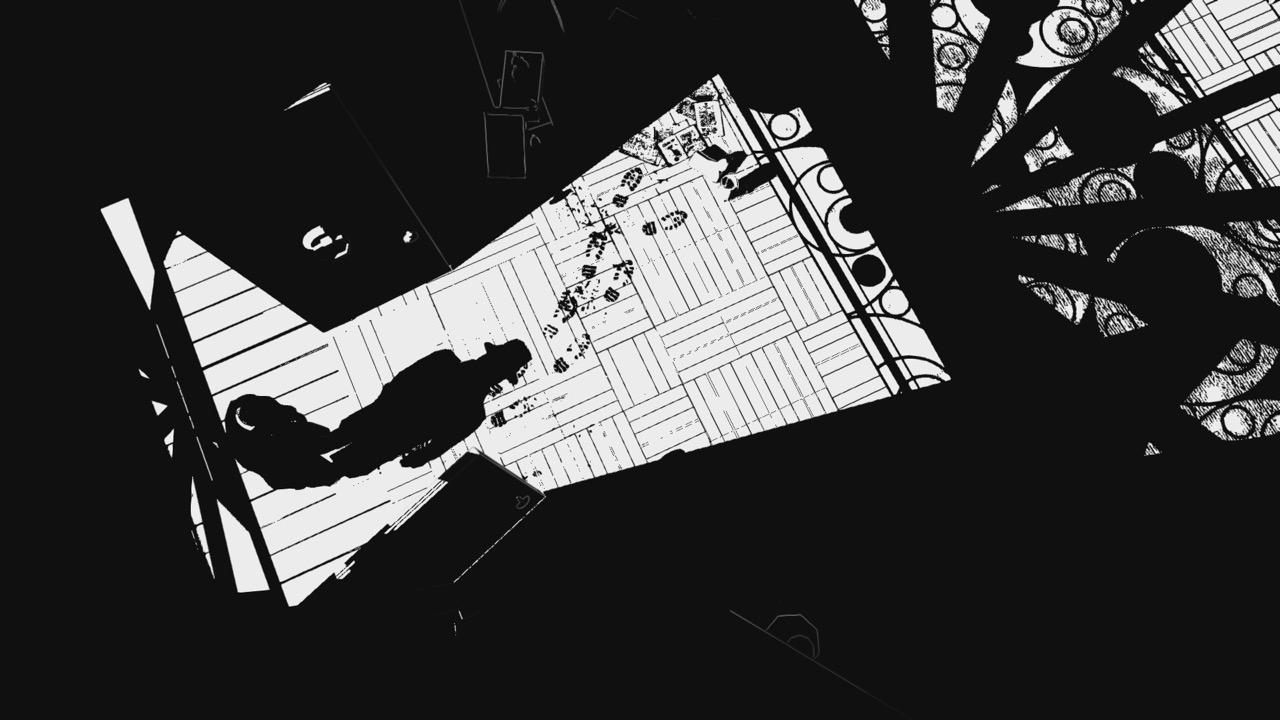
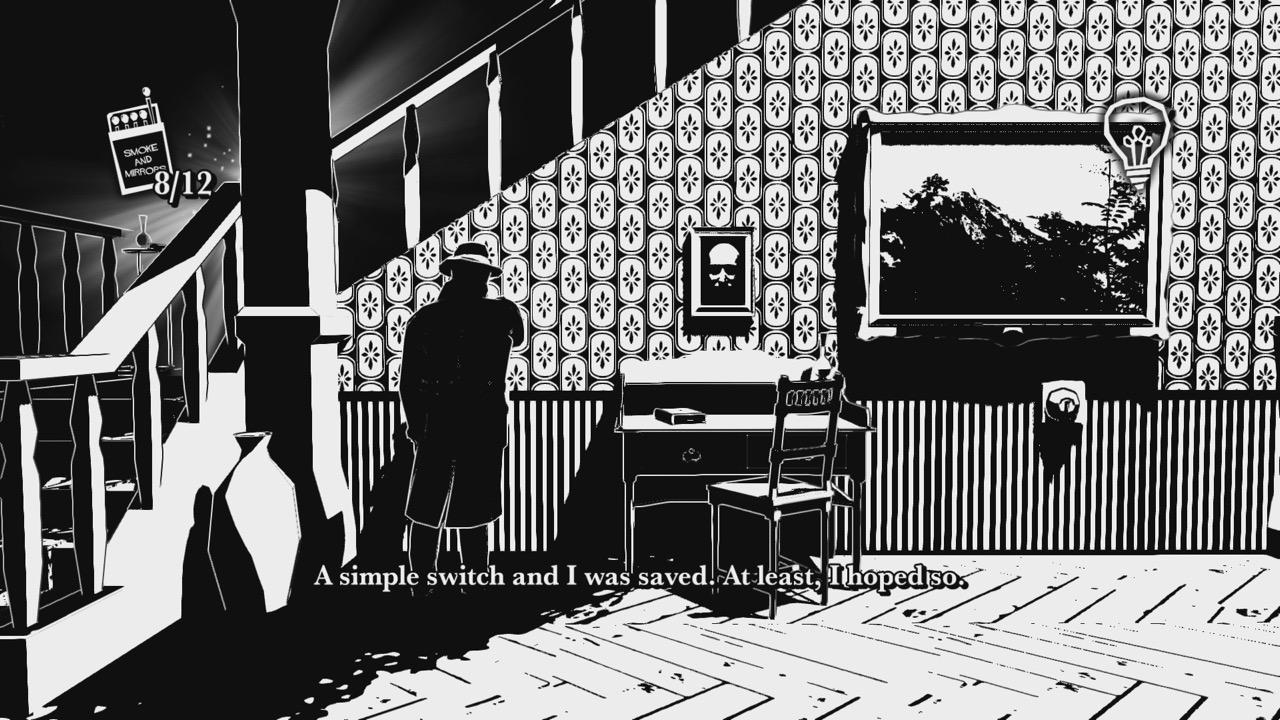
Explore the macabre past of an old mansion in the 1930's and solve puzzles of light and shadows in this fully black & white survival horror! Players are trapped in this nightmare where darkness is a constant threat!
Classic Survival-Horror 3D Mechanics:
Solve puzzles of lights and shadows to survive.
Shed Light on the Mysteries of the Mansion:
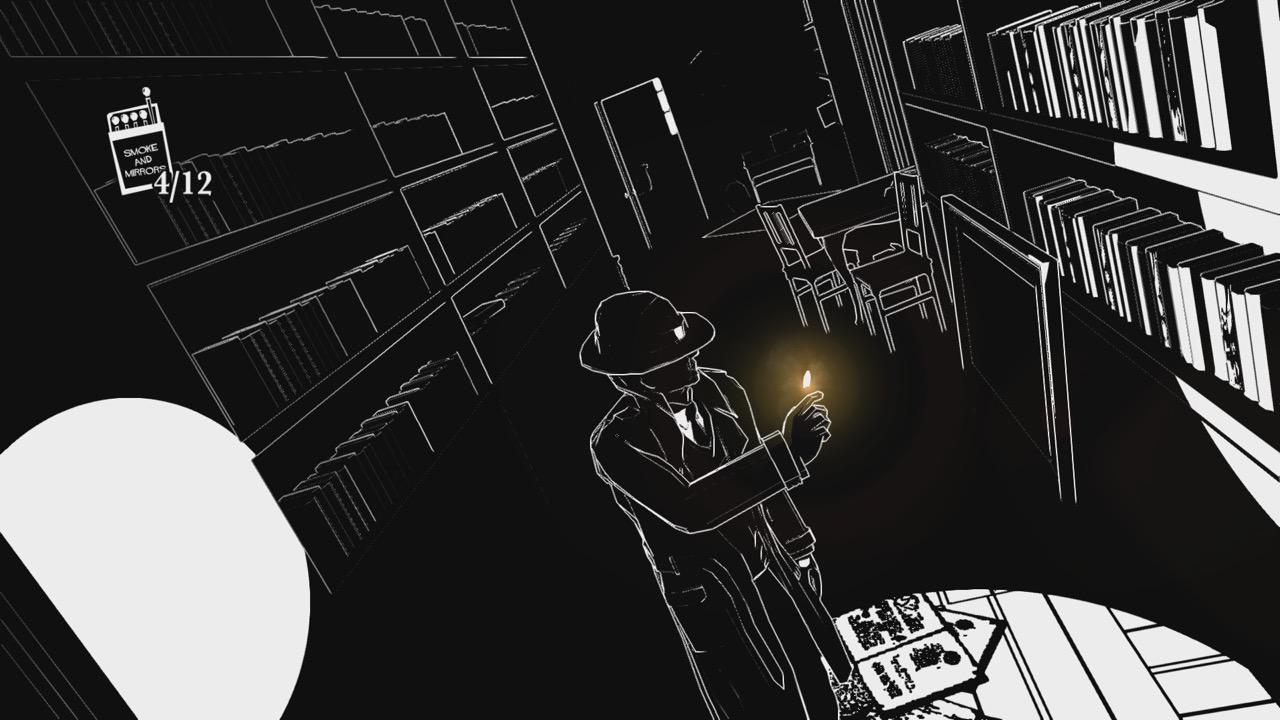
Collect matches to light your way and reveal the next passage.
Dark Entities Lurk in the Shadows:
Avoid apparitions to continue your search for answers.
Immerse Yourself in the Noir:
Unique art style engrosses the player in the tone of Film Noir.
To change Language:
- Right click on WNight.app > Show Package Contents
- Navigate through Contents/Resources
- Open activated.ini with TextEdit
- Edit line: Language=english
Screenshots
Frequently asked questions
How do I install the app?
Mount the image, drag the app into the "Applications" folder and launch it. If the system blocks the launch, allow it in "System Settings → Privacy & Security".
The app is damaged or won't launch
Reinstalling from a fresh image usually helps. Make sure your macOS version matches the one listed in the compatibility specs.
How do I update?
Download the new version from the site and install it over the current one — your settings will be preserved.
The download link doesn't work
Try a mirror or a download manager. For large files the browser often drops the connection.
How do I completely remove the app?
Use an uninstaller utility — it cleans up the service files that remain after moving the app to the trash.
Information
Users of Guests are not allowed to comment this publication.
Choose a download source
White Night v.1.0 · 953.87 MB