
FileMaker Pro 18 Advanced 18.0.3.317
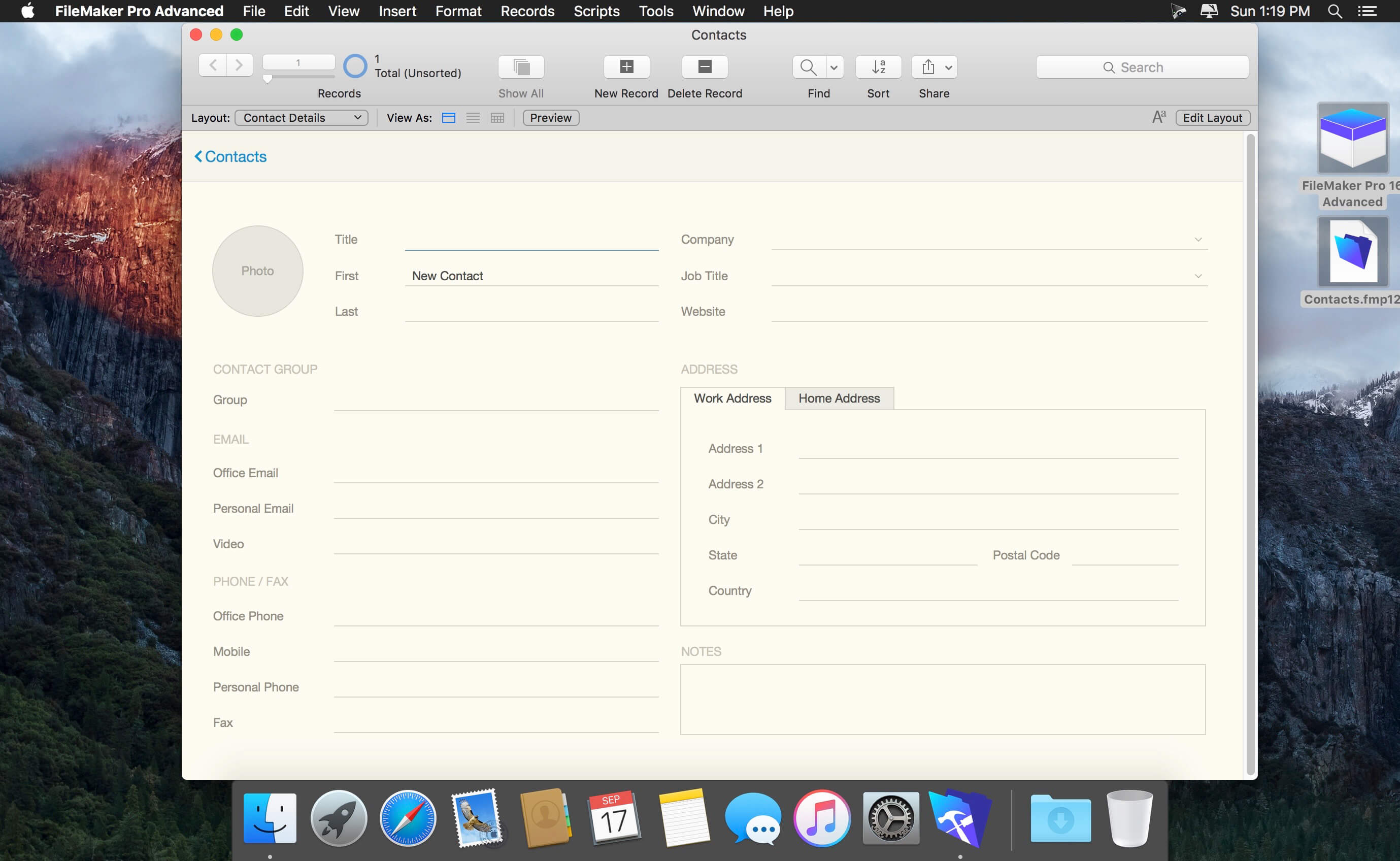
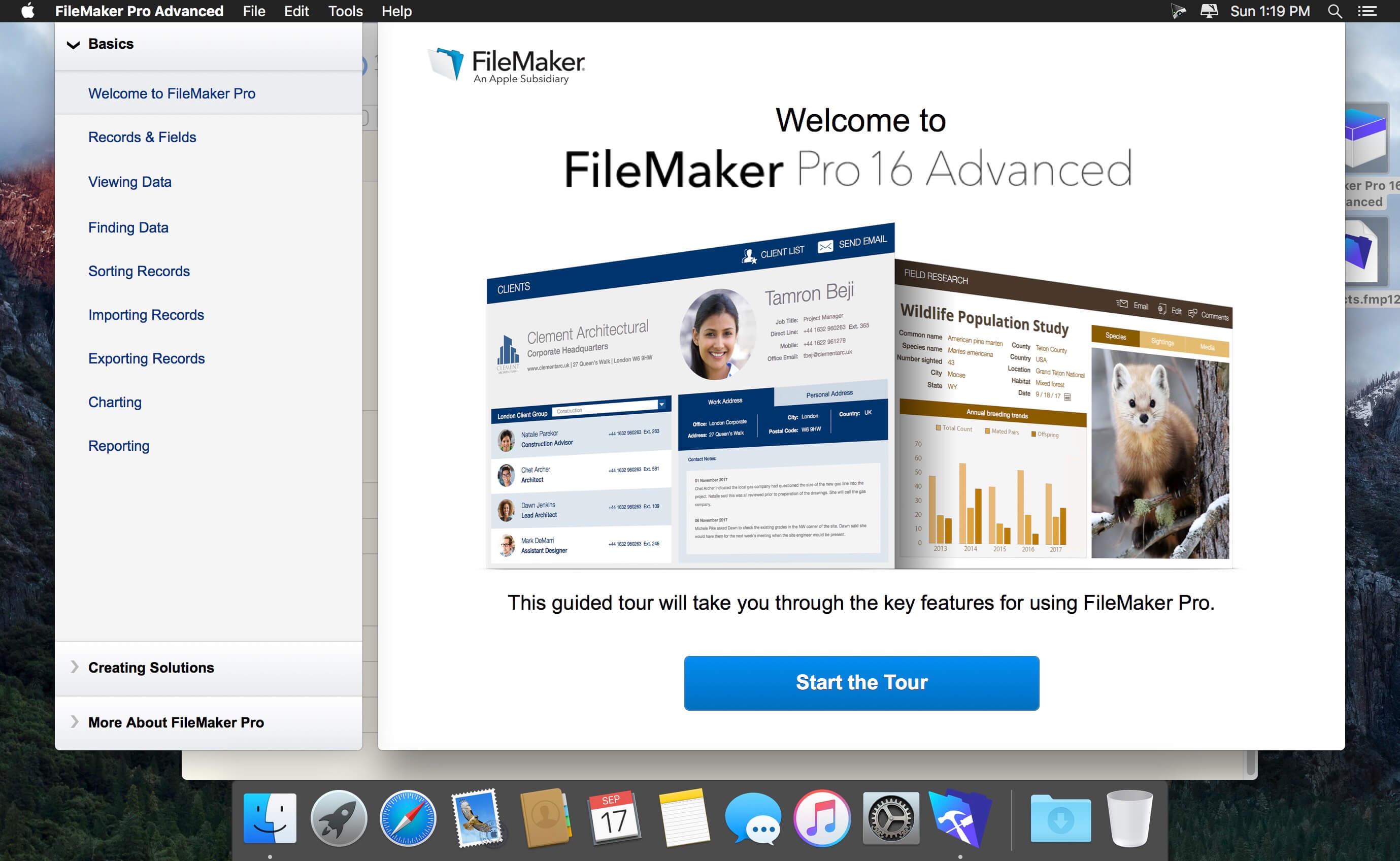
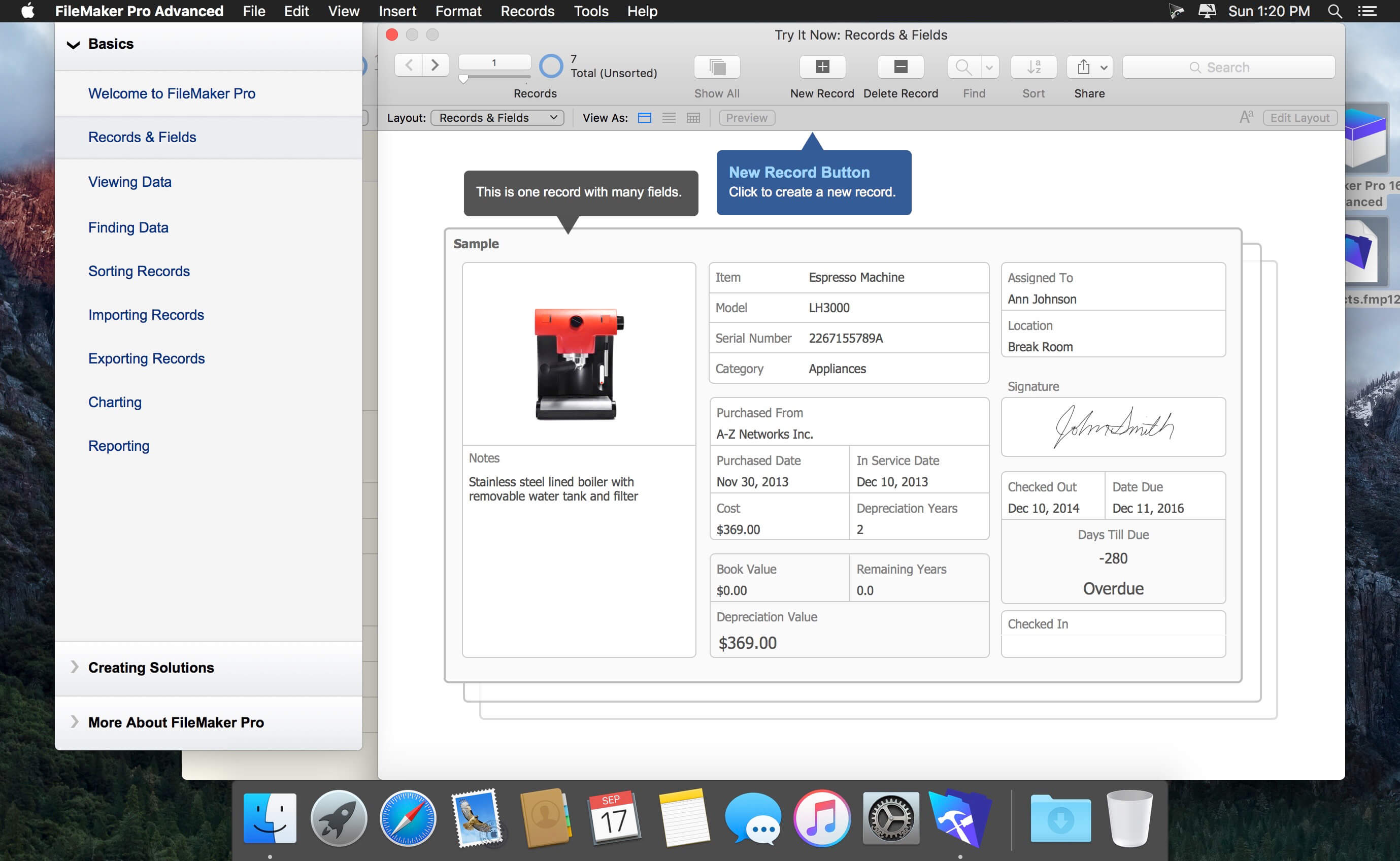
FileMaker Pro is powerful, easy-to-use software used to create custom solutions for your business that run on iPad, iPhone, Windows, Mac and the web. Use FileMaker Pro to manage and share information with your team. Build your own solution or use one of the many built-in Starter Solutions to manage contacts, inventory, projects and more.
- Start quickly - Choose from a variety of professionally designed Starter Solutions to manage contacts, inventory, projects, invoices, assets, and more.
- Import existing data - Bring your existing data into FileMaker Pro, including .CSV, Tab, XML, ODBC, and Microsoft Excel files.
- Customize with ease - Use flexible design tools to make your layouts look and work just the way you want, all without programming -- even add your company logo.
- Get built-in reporting tools - Easy-to-use reporting and charting tools make it easy to make summary reports, colorful charts, and executive dashboards with a few clicks. Save your information in popular Excel and PDF formats.
- Share with your team - Create and share solutions across iPad, iPhone, Windows and Mac. Connect up to 5 other people on a network. Or use FileMaker Server to securely share with larger groups and extend solutions to the web.
- Integrate with other programs - Exchange and interact with data from other applications. Plus, create live, 2-way connections with Microsoft SQL Server, Oracle and MySQL data sources.
Version 18.0.3.317:
- Release notes were unavailable when this listing was updated.
Frequently asked questions
How do I install the app?
Mount the image, drag the app into the "Applications" folder and launch it. If the system blocks the launch, allow it in "System Settings → Privacy & Security".
The app is damaged or won't launch
Reinstalling from a fresh image usually helps. Make sure your macOS version matches the one listed in the compatibility specs.
How do I update?
Download the new version from the site and install it over the current one — your settings will be preserved.
The download link doesn't work
Try a mirror or a download manager. For large files the browser often drops the connection.
How do I completely remove the app?
Use an uninstaller utility — it cleans up the service files that remain after moving the app to the trash.
VersionFileMaker Pro 18 Advanced 18.0.3.317
DeveloperFileMaker, Inc.
CompatibilityOS X 10.10 or later, 64-bit processor
LanguageMultilangual
IncludesSerial



Choose a download source
FileMaker Pro 18 Advanced 18.0.3.317 · 283.23 MB
Previous versions
FileMaker Pro 18 Advanced 18.0.3.317
Previous versions are available to registered users.
Comments 4