
Adobe Bridge CC 6.3
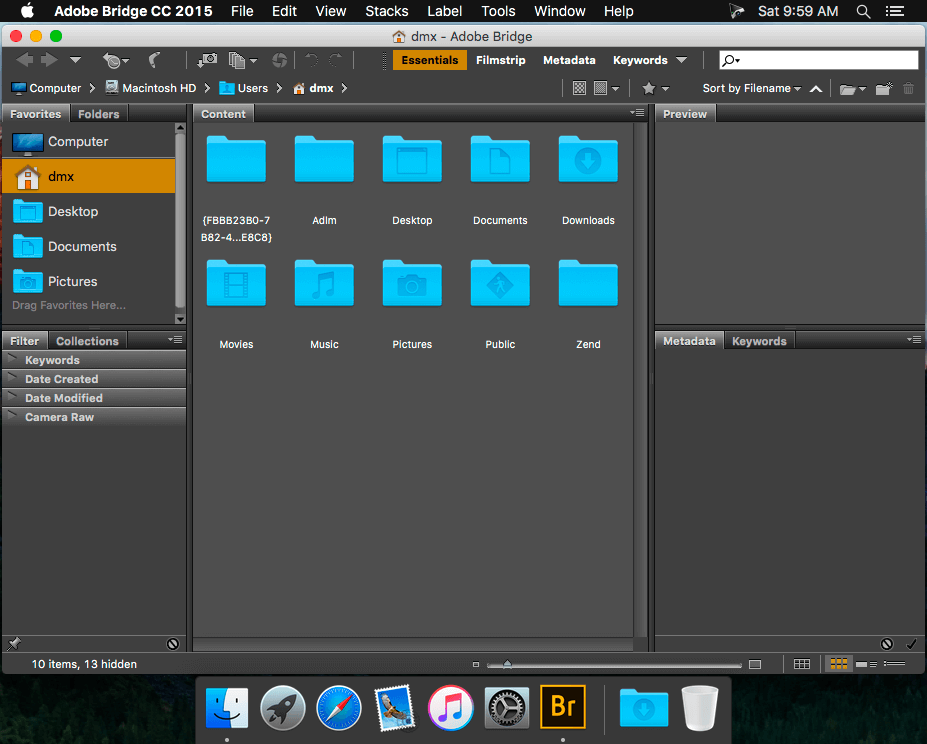
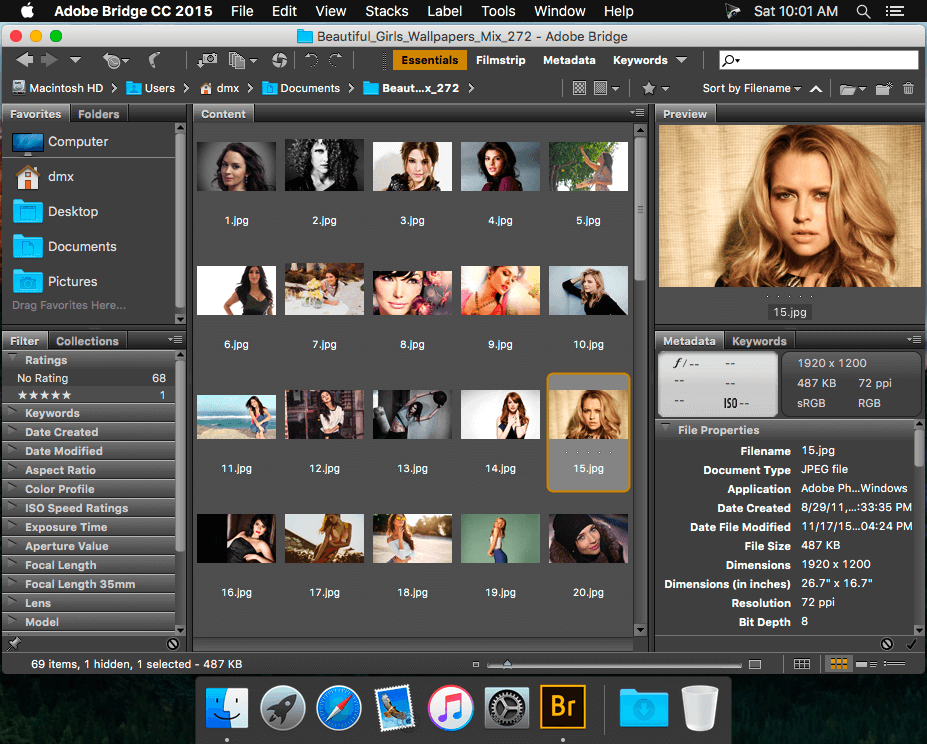
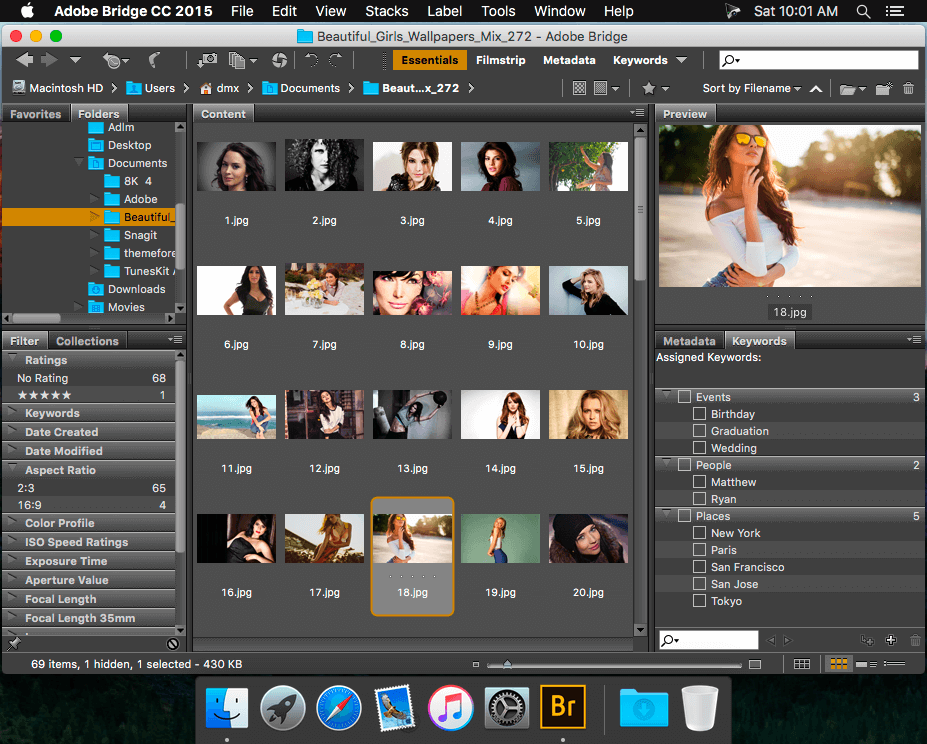
Adobe Bridge CC provides you with centralized access to all the media assets you need for your creative projects. Batch edit with ease, add watermarks, and even set centralized color preference -- Bridge simplifies your workflow and keeps you organized.
WHAT’S NEW
Version 6.3.0.177:
- HiDPI support and user interface scaling preference for Windows - The native support for HiDPI monitor displays is now available for Windows ─ in addition to the existing support for Apple's Retina display. When you work on a HiDPI Windows monitor set at a DPI of 150% or higher, the user interface automatically scales to 200% so that you continue to see sharp and clear UI elements, readable font size, and crisp icons across a wide variety of DPI display settings. The new User Interface Scaling preference allows you choose a scaling option ─ Auto, 100%, or 200%.
SCREENSHOTS
Frequently asked questions
How do I install the app?
Mount the image, drag the app into the "Applications" folder and launch it. If the system blocks the launch, allow it in "System Settings → Privacy & Security".
The app is damaged or won't launch
Reinstalling from a fresh image usually helps. Make sure your macOS version matches the one listed in the compatibility specs.
How do I update?
Download the new version from the site and install it over the current one — your settings will be preserved.
The download link doesn't work
Try a mirror or a download manager. For large files the browser often drops the connection.
How do I completely remove the app?
Use an uninstaller utility — it cleans up the service files that remain after moving the app to the trash.
VersionAdobe Bridge CC 6.3
DeveloperAdobe Systems
CompatibilityOS X 10.9 or later, 64-bit processor
LanguageEnglish
IncludesK





Information
Visitors in the group Guests cannot leave comments on this publication.
Choose a download source
Adobe Bridge CC 6.3 · 780.87 MB