Reflect Studio 3.1
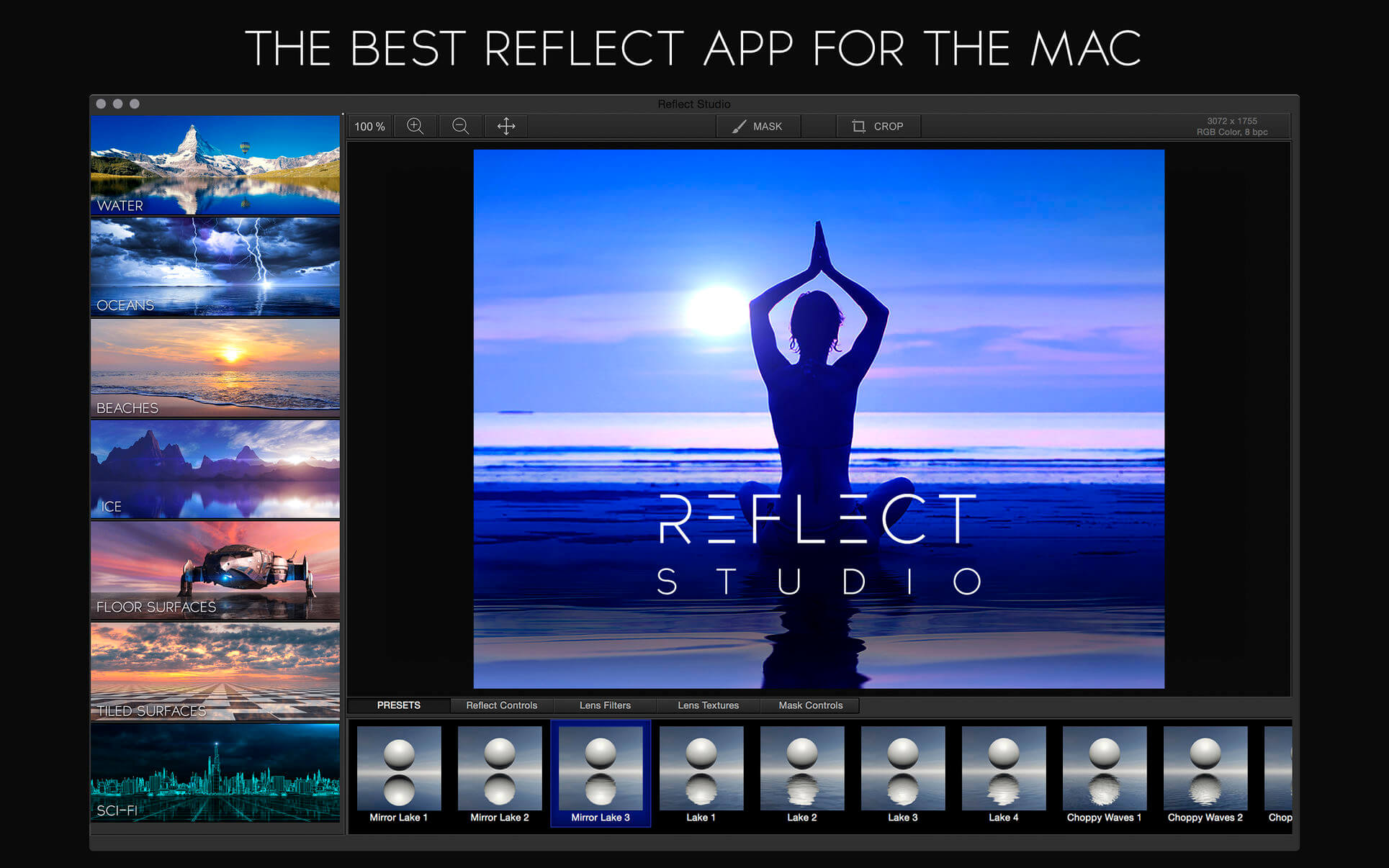
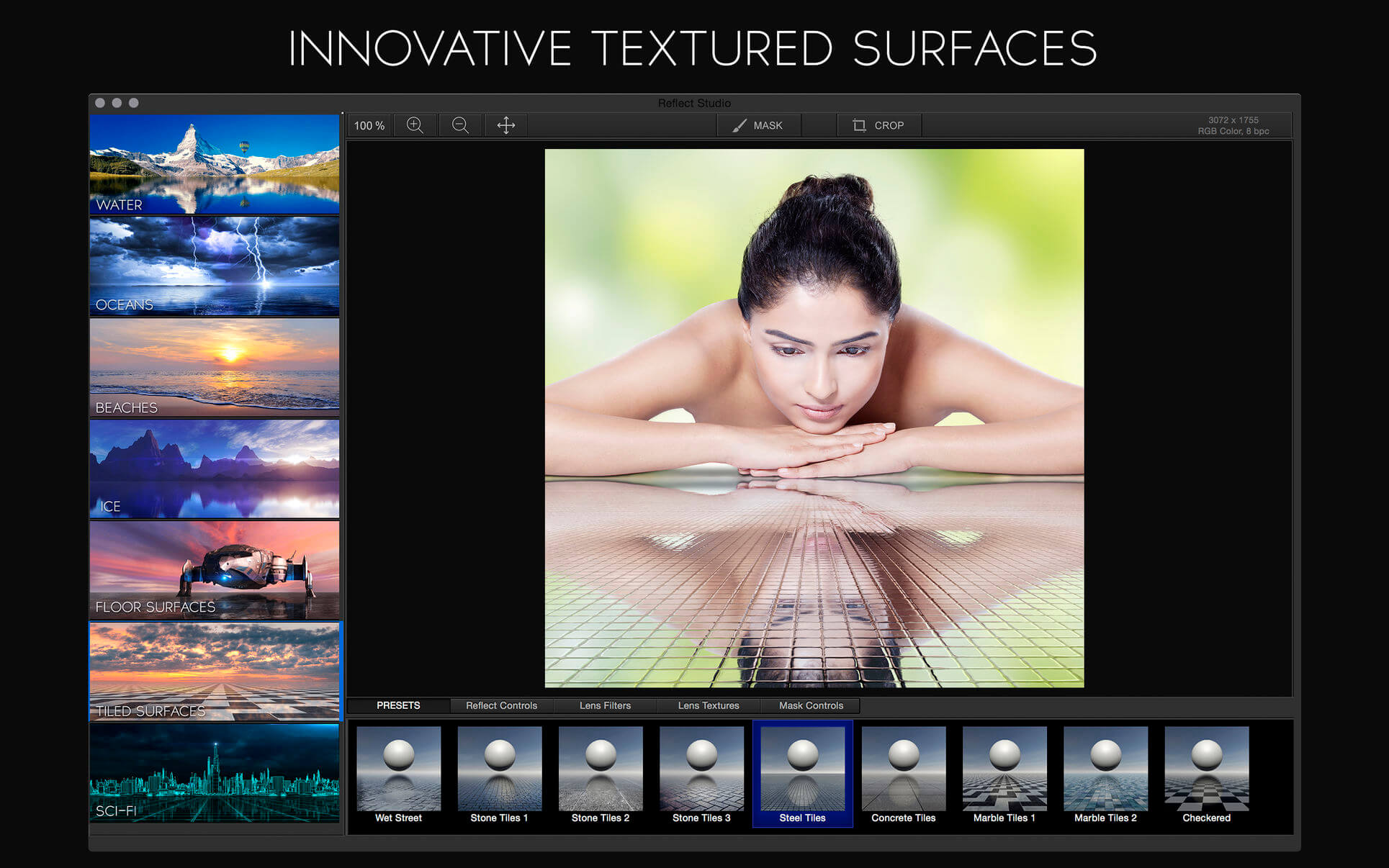
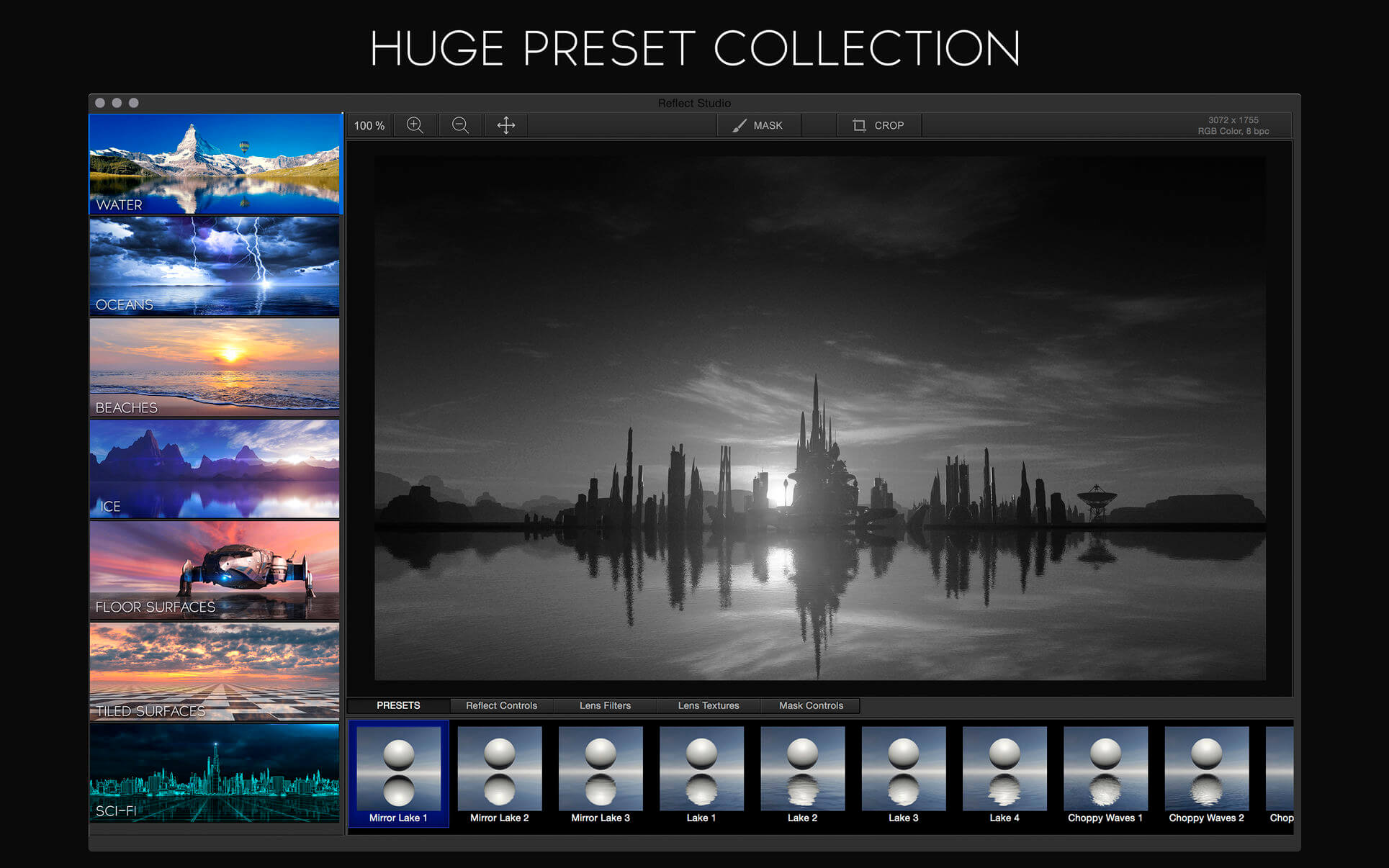
Reflect Studio, a brand new Photo Editor from the creators of LensFlare Studio, lets you create beautiful photos with stunning reflective surfaces--an effect that should be in every photographer's and designer's toolbox. Reflect Studio includes reflective surfaces beyond just water such as oceans, ice, floors, beaches, and more.
Features
- Presets
- 30+ reflection presets: water, ice, tiled floors, scifi, and more.
- Professional filters and lens textures
- Customize
- Adjust wave displacement, blur, wave shadow intensity, etc.
- Atmospheric haze and fog for a misty horizon
- Professional Tools
- True color 16-bpc support
- Internal 64-bit pipeline for highest quality processing
- Preserves exif data
- Built for Yosemite and Retina Macs
Version 3.0
- Optimized for M1!
- Fixed issue with image resizing in main window.
Frequently asked questions
How do I install the app?
Mount the image, drag the app into the "Applications" folder and launch it. If the system blocks the launch, allow it in "System Settings → Privacy & Security".
The app is damaged or won't launch
Reinstalling from a fresh image usually helps. Make sure your macOS version matches the one listed in the compatibility specs.
How do I update?
Download the new version from the site and install it over the current one — your settings will be preserved.
The download link doesn't work
Try a mirror or a download manager. For large files the browser often drops the connection.
How do I completely remove the app?
Use an uninstaller utility — it cleans up the service files that remain after moving the app to the trash.
VersionReflect Studio 3.1
DeveloperBrainFeverMedia LLC
CompatibilityOS X 10.9 or later, 64-bit processor
LanguageEnglish
IncludesK'ed by TNT

Information
Visitors in the group Guests cannot leave comments on this publication.
Choose a download source
Reflect Studio 3.1 · 132.02 MB
Previous versions
Reflect Studio 3.1
Previous versions are available to registered users.